> For the complete documentation index, see [llms.txt](https://docs.forestall.io/forestall/llms.txt). Markdown versions of documentation pages are available by appending `.md` to page URLs; this page is available as [Markdown](https://docs.forestall.io/forestall/unified-identities/gcp-identities/service-account-keys.md).
# Service Account Keys
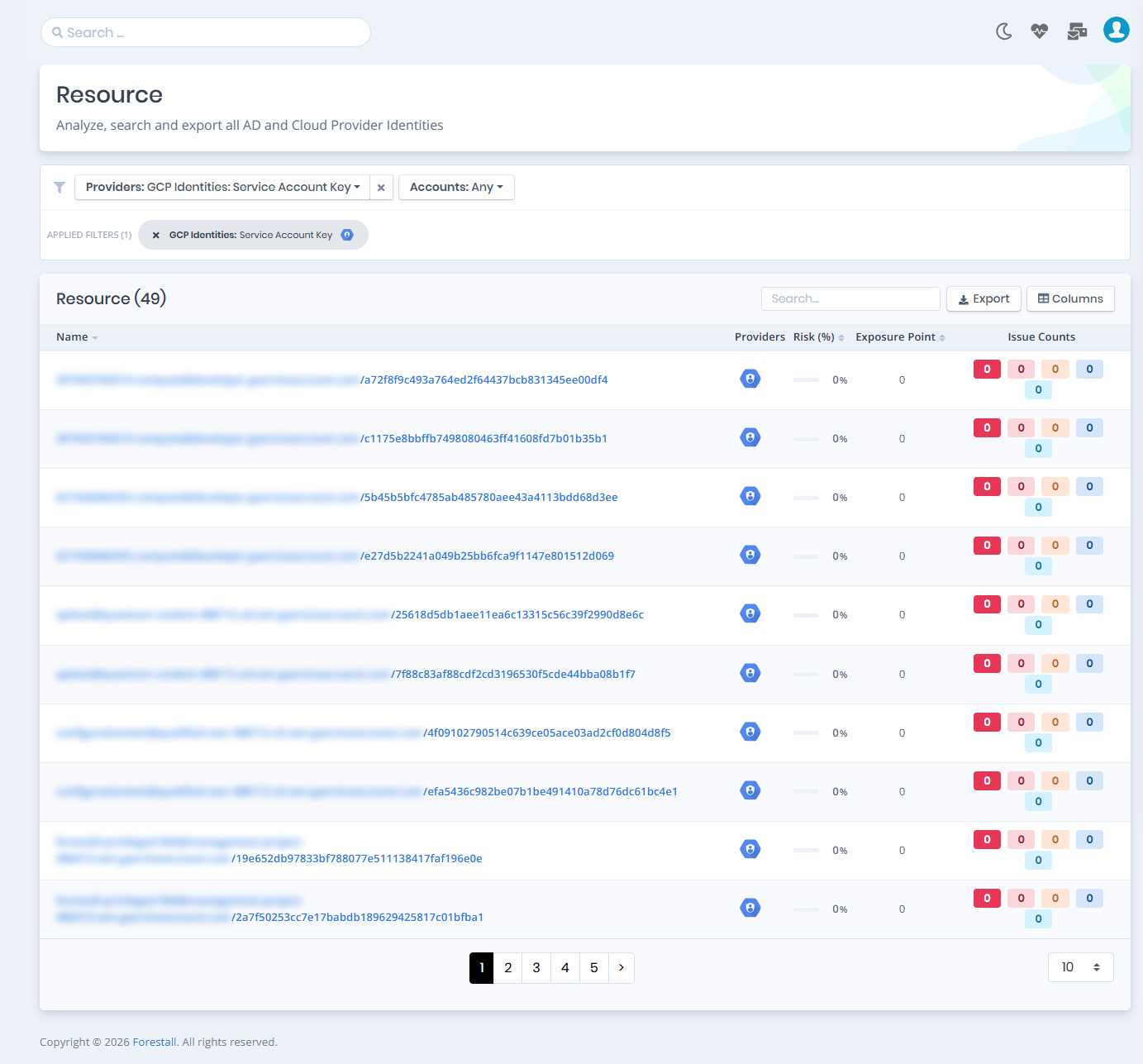
Open **Unified Identities › Resources**, filter **Providers** to **GCP Identities › Service Account Key**, then select a row to open its details.
Service Account Keys
## Service Account Keys Details
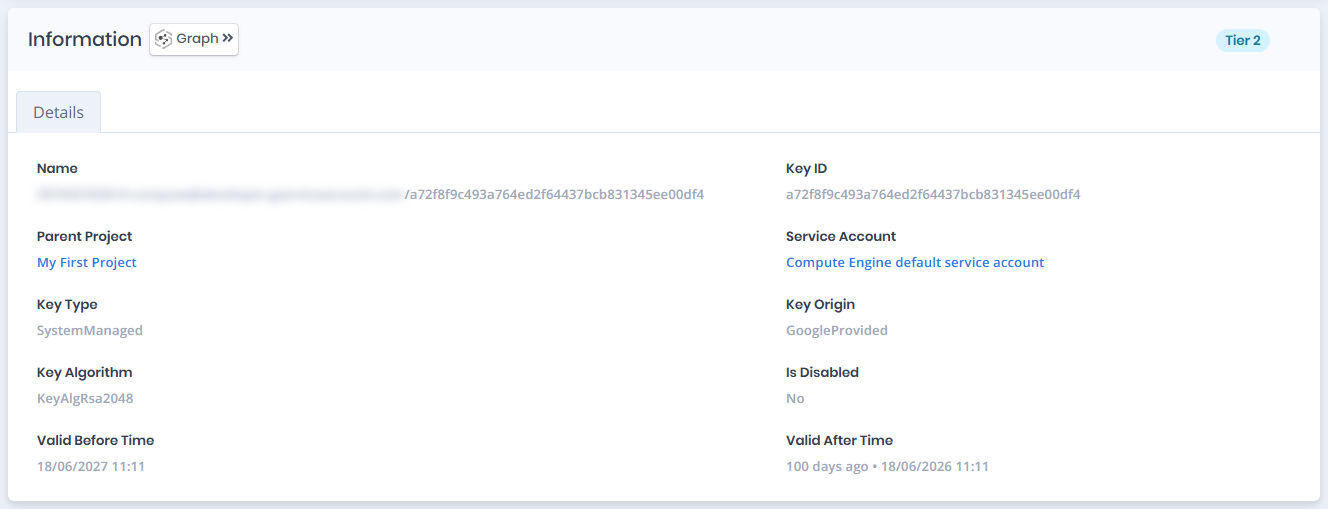
Opening a service account key shows the `Risk` and `Exposure Point` in the header, the `Information` card with the `Details` tab, and an `Issues` panel when the key has issues. The card title can carry a `Tier 0` or `Tier 2` badge and a `Privileged` badge when the key is privileged.
{% hint style="info" %}
You can analyze the object in the [Graph](/forestall/visualize/visualize.md) by clicking the **Graph »** button next to the `Information` title.
{% endhint %}
Service Account Key Details
## Information
The Details tab contains attributes about the GCP Service Account Key associated with a service account.
| Attribute | Description |
| ----------------- | ------------------------------------------------------------------------------------ |
| Name | The full resource name of the service account key. |
| Key ID | The unique identifier of the key (e.g., `16a419e037f1624155619f77208d518f960e0e24`). |
| Parent Project | The GCP project this service account key belongs to. |
| Service Account | The service account this key is associated with (e.g., `Forestall Privileged`). |
| Key Type | The type of key, indicating how it is managed (e.g., `SystemManaged`). |
| Key Origin | The origin of the key, indicating who provided it (e.g., `GoogleProvided`). |
| Key Algorithm | The cryptographic algorithm used by the key (e.g., `KeyAlgRsa2048`). |
| Is Disabled | Indicates whether the key is currently disabled. |
| Valid Before Time | The expiry timestamp after which the key is no longer valid. |
| Valid After Time | The activation timestamp from which the key becomes valid. |