> For the complete documentation index, see [llms.txt](https://docs.forestall.io/forestall/llms.txt). Markdown versions of documentation pages are available by appending `.md` to page URLs; this page is available as [Markdown](https://docs.forestall.io/forestall/unified-identities/gcp-identities/service-accounts.md).
# Service Accounts
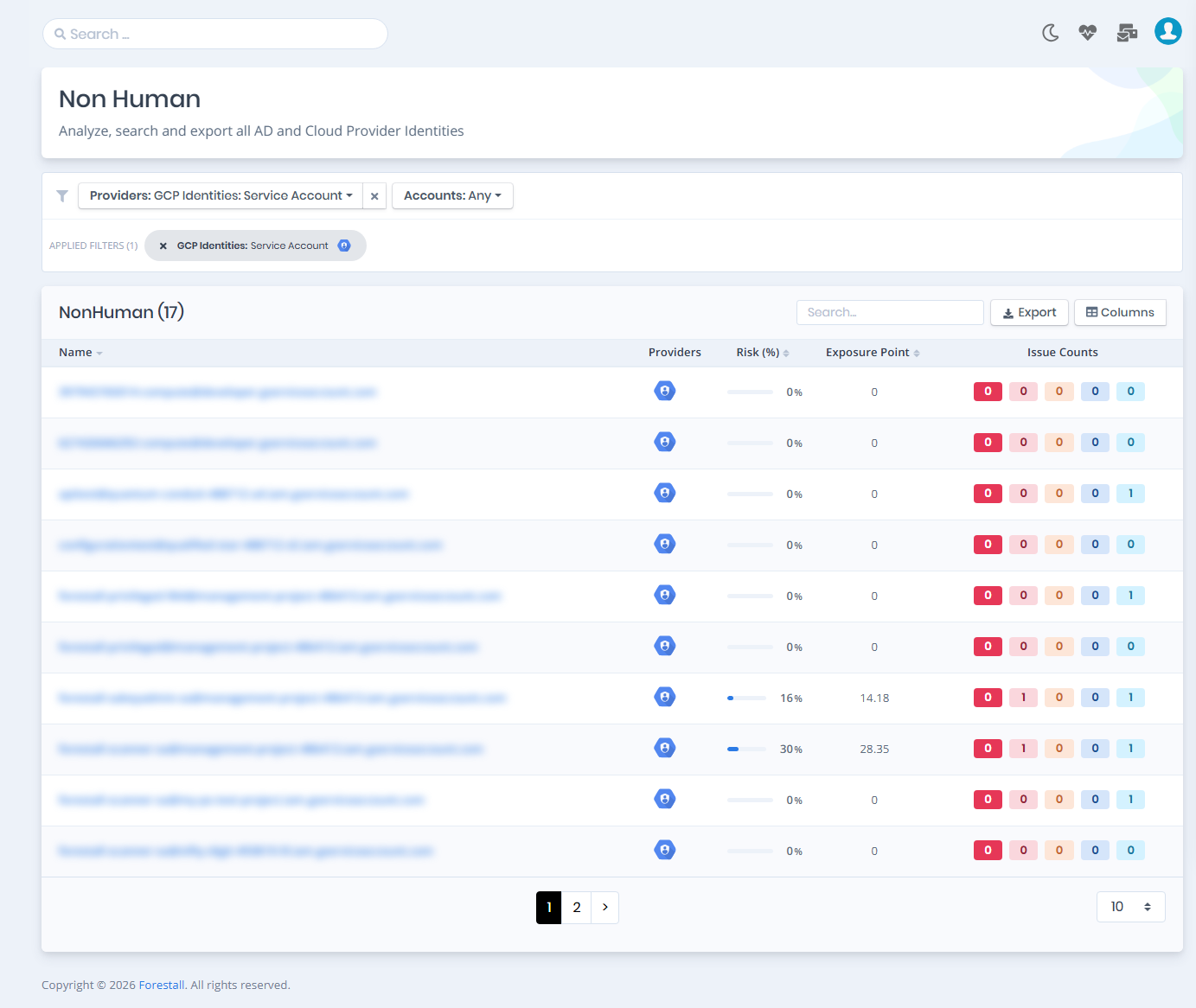
Open **Unified Identities › Non Human Identities**, filter **Providers** to **GCP Identities › Service Account**, then select a row to open its details.
Service Accounts
## Service Accounts Details
The Details page includes the `Details`, `Service Account Keys` and `VMs` tabs, and an `Issues` panel when the service account has issues. Each tab except `Details` carries the number of rows it holds in its label.
{% hint style="info" %}
You can analyze the object in the [Graph](/forestall/visualize/visualize.md) by clicking the **Graph »** button next to the `Information` title. For a shadow admin the button reads **Admin Path »** and opens the shortest path to admin objects (see [Object Detail Pages](/forestall/unified-identities.md#object-detail-pages)).
{% endhint %}
Service Account Details
## Information
The Details tab contains attributes about the GCP Service Account. Risk and Exposure scores are displayed at the top of the page, along with badges such as **Tier 0**/**Tier 2**, **Privileged**, **Default SA** (the default Compute Engine service account) and **Shadow**. An **Issues** panel on the right lists detected security findings.
| Attribute | Description |
| ------------------ | ----------------------------------------------------------------------------------------------------------------------------------------- |
| Display Name | The human-readable name of the service account (e.g., `Forestall Privileged`). |
| Service Account ID | The full email-format identifier of the service account (e.g., `forestall-privileged@management-project-486413.iam.gserviceaccount.com`). |
| Name | The full resource name of the service account. |
| Parent Project | The GCP project this service account belongs to. |
| Unique ID | The unique numeric identifier of the service account. |
| Email | The email address associated with the service account, used for IAM bindings. |
| Description | A text description of the service account's purpose. |
| Disabled | Indicates whether the service account is currently disabled. |
| OAuth2 Client ID | The OAuth2 client ID associated with the service account, used for authentication flows. |
### Service Account Keys
Lists the **Service Account Keys** bound to the service account.
### VMs
VMs tab contains a list of the Compute Engine instances that run as this service account.
An instance running as a service account can obtain that account's token from the metadata server, so anyone with access to the instance inherits everything the service account can do. This tab answers the question the other way round from the usual one: not what the service account may reach, but which machines can act as it.