> For the complete documentation index, see [llms.txt](https://docs.forestall.io/forestall/llms.txt). Markdown versions of documentation pages are available by appending `.md` to page URLs; this page is available as [Markdown](https://docs.forestall.io/forestall/unified-identities/github-identities/app-installations.md).
# App Installations
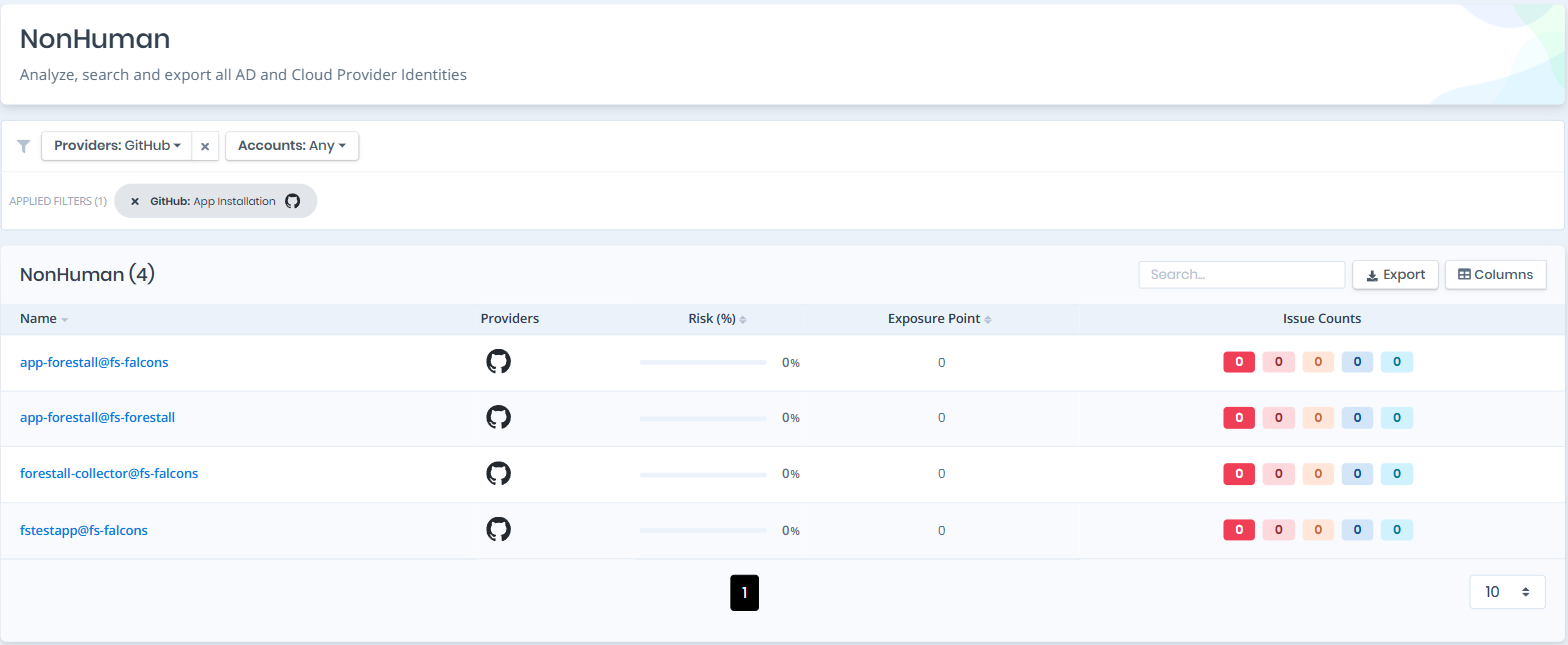
Open **Unified Identities › Non Human Identities**, filter **Providers** to **GitHub › App Installation**, then select a row to open its details.
A GitHub App is a non-human identity that holds permissions of its own. An app with administrative permissions on an organization is as powerful as an owner, and is treated as such.
Non Human Identities filtered to GitHub › App Installation
### App Installation Details
Opening an app installation shows the `Risk` and `Exposure Point` in the header, and the page contains the `Information` pane and, when the app installation has issues, the `Issues` pane.
{% hint style="info" %}
You can analyze the object in the [Graph](/forestall/visualize/visualize.md) by clicking the **Graph »** button next to the `Information` title. For a shadow admin the button reads **Admin Path »** and opens the shortest path to admin objects (see [Object Detail Pages](/forestall/unified-identities.md#object-detail-pages)).
{% endhint %}
App Installation Details
#### Information
Information Pane can contain different badges to highlight important attributes.
| Badge | Description |
| -------------- | ------------------------------------------------------------------------------------------------------------------------------ |
| **Tier 0** | Indicates that the object is a Tier 0 asset. An installation holding administrative permissions on the organization is Tier 0. |
| **Privileged** | Indicates that the object is privileged. |
| **Shadow** | Indicates that the object can compromise admin objects with at least one attack path. |
Information Pane contains only the Details tab.
**Details**
Details tab contains attributes below about the app installation object.
| Attribute | Description |
| -------------------- | ------------------------------------------------------------------------------------------ |
| App Slug | The unique identifier of the installed GitHub App (e.g., `dependabot`). |
| Target Type | The type of account the app is installed on (Organization or User). |
| Repository Selection | Whether the app has access to all repositories or a selected subset (`all` or `selected`). |
| App ID | The numeric identifier of the GitHub App. |
| Events | The webhook events the app is subscribed to (e.g., push, pull\_request). |
| Object ID | The identifier of the installation. |
#### Issues
Issues pane contains identified issues on the app installation object.