> For the complete documentation index, see [llms.txt](https://docs.forestall.io/forestall/llms.txt). Markdown versions of documentation pages are available by appending `.md` to page URLs; this page is available as [Markdown](https://docs.forestall.io/forestall/unified-identities/ad-identities/forests.md).
# Forests
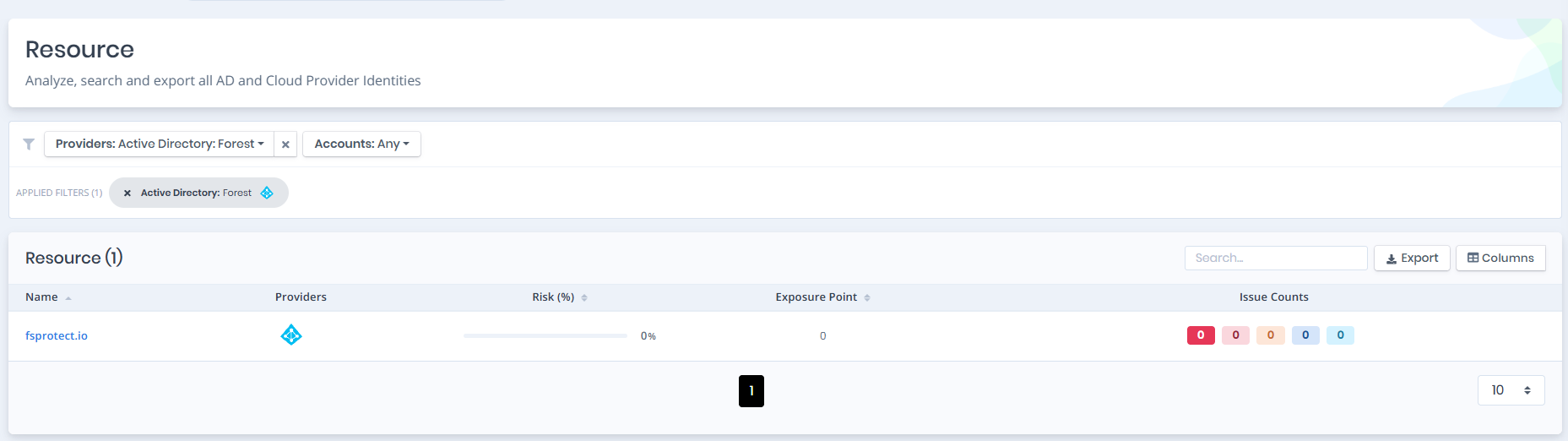
Open **Unified Identities › Resources**, filter **Providers** to **Active Directory › Forest**, then select a row to open its details.
Forests
## Forest Details
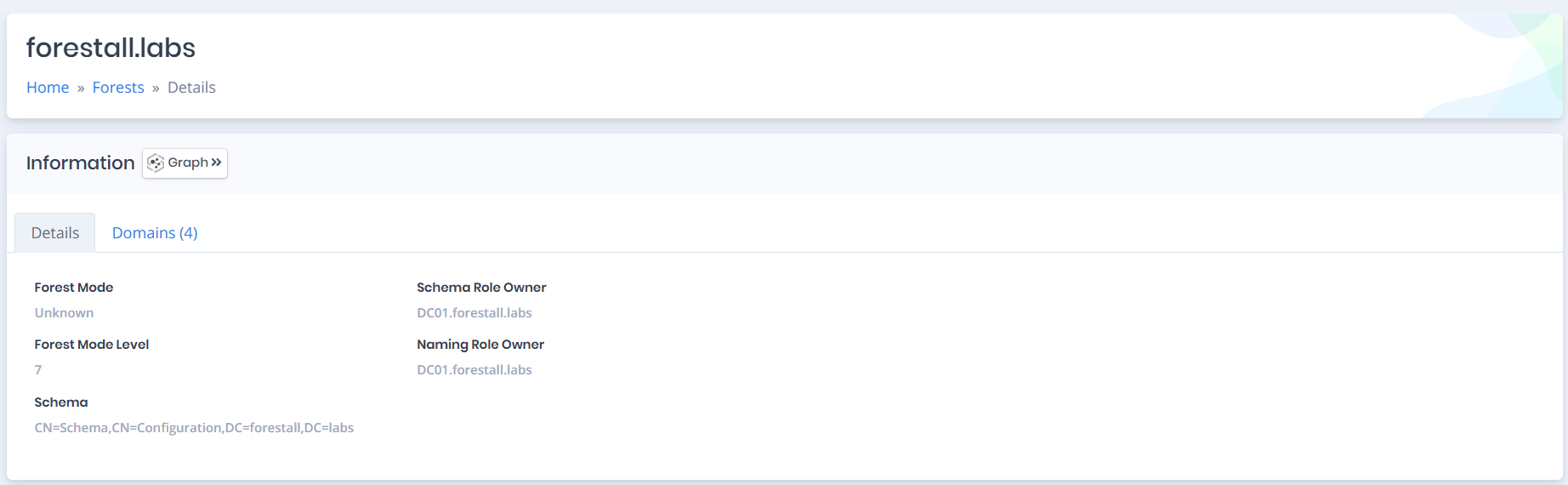
Opening a forest shows the `Information` pane with the `Details` and `Domains` tabs. The header shows no risk score for the forest. An `Issues` pane is shown only when issues are found on the forest object.
{% hint style="info" %}
You can analyze the object in the [Graph](/forestall/visualize/visualize.md) by clicking the **Graph »** button next to the `Information` title.
{% endhint %}
Forest Details
## Details
Details tab contains attributes below about forest.
| Attribute | Description |
| --------------------- | ------------------------------------------------------------------------------------------------------------------------------------------------------------------------------- |
| **Forest Mode** | The operating mode of the forest. ([Field reference](https://learn.microsoft.com/en-us/dotnet/api/system.directoryservices.activedirectory.forestmode?view=windowsdesktop-7.0)) |
| **Forest Mode Level** | The operating mode level of the forest. ([Field reference](https://learn.microsoft.com/en-us/openspecs/windows_protocols/ms-adts/d49624d0-9320-4368-8b0c-a7998ac2abdb)) |
| **Schema** | Distinguished Name of the Schema of the forest. |
| **Schema Role Owner** | Domain controller that holds the FSMO schema master role for the forest. |
| **Naming Role Owner** | Domain controller that holds the FSMO naming master role for the forest. |
## Domains
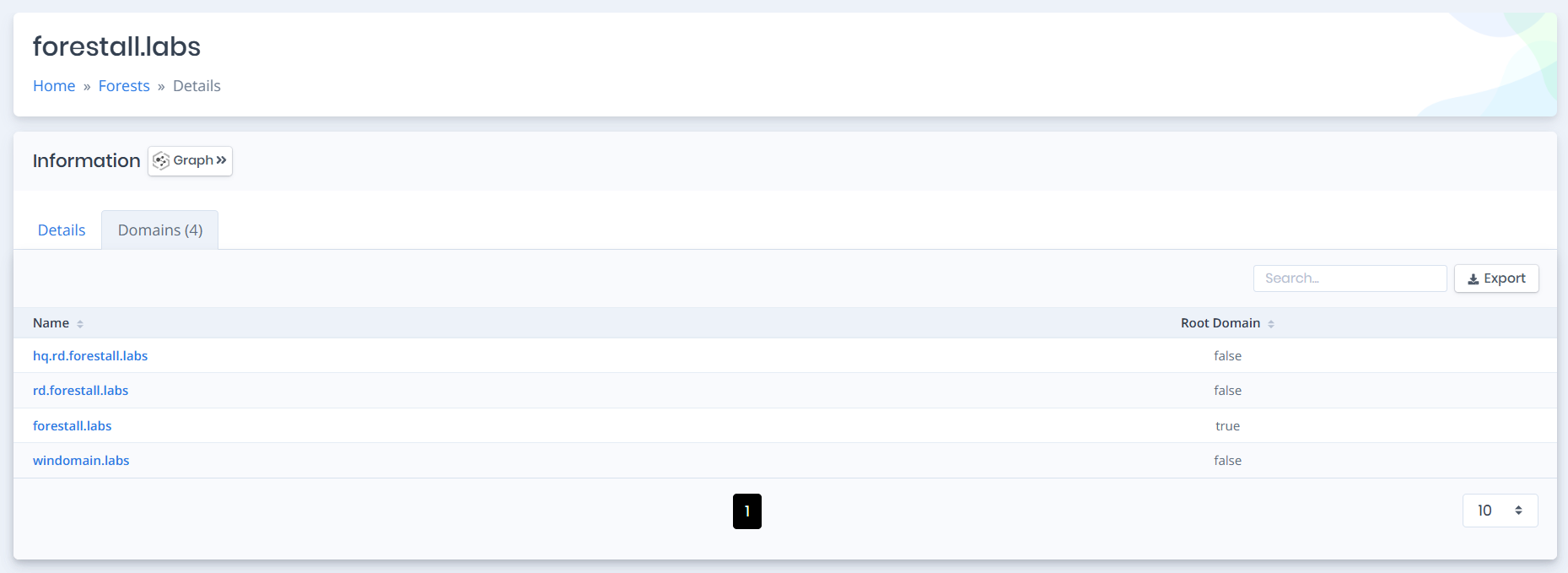
Domains tab contains a list of `domains` in the forest. You can go to the details page of the domain object by clicking the name.