> For the complete documentation index, see [llms.txt](https://docs.forestall.io/forestall/llms.txt). Markdown versions of documentation pages are available by appending `.md` to page URLs; this page is available as [Markdown](https://docs.forestall.io/forestall/unified-identities/aws-identities/policies.md).
# Policies
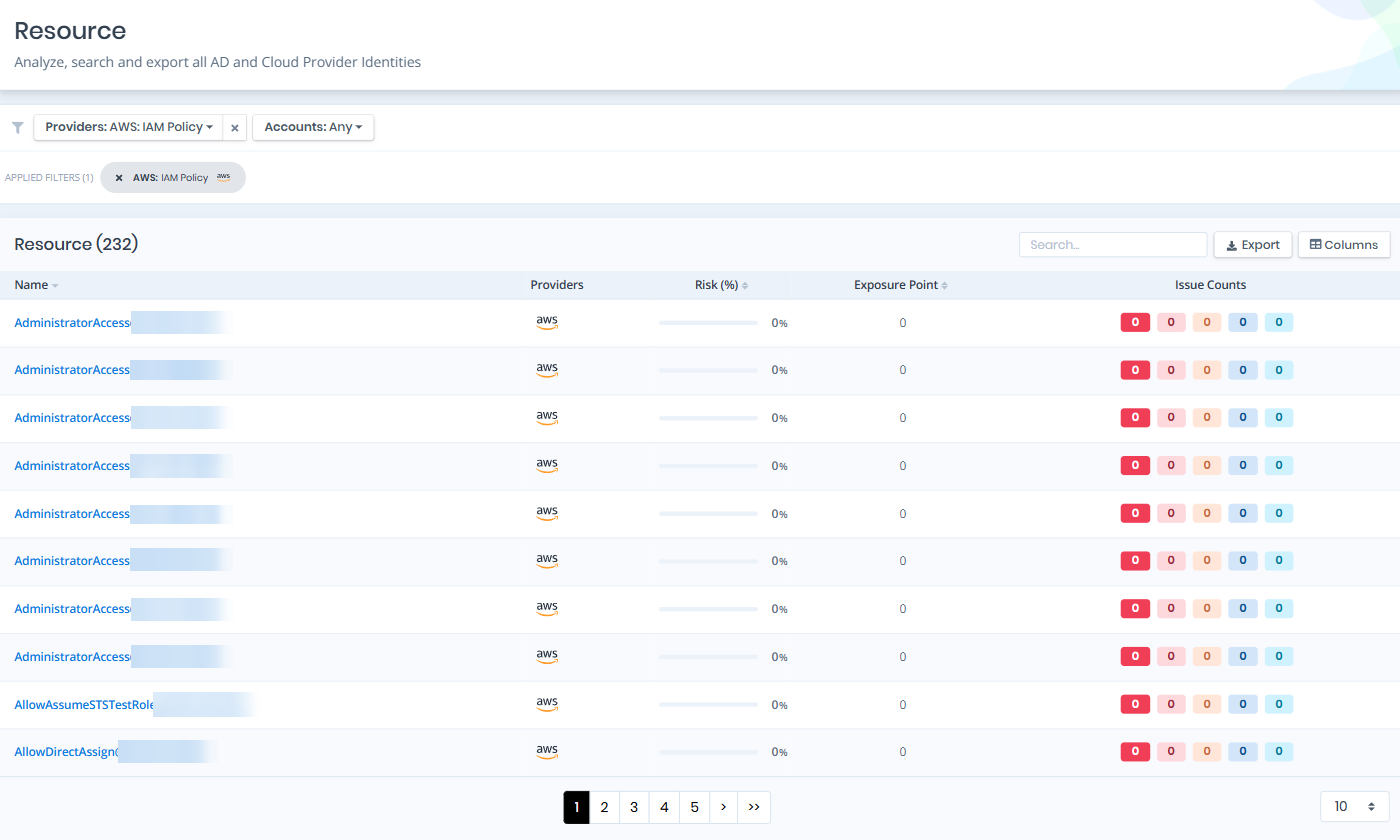
Open **Unified Identities › Resources**, filter **Providers** to **AWS › IAM Policy**, then select a row to open its details.
Policies
## Policy Details
Details page contains the `Risk` and `Exposure Point` of the policy, and the Information and Issues panes.
{% hint style="info" %}
You can analyze the object in the [Graph](/forestall/visualize/visualize.md) by clicking the **Graph »** button next to the `Information` title.
{% endhint %}
Policy Details
## Information
Information Pane can contain different badges to highlight important attributes.
| Badge | Description |
| ---------------- | ----------------------------------------------------------------------------------------------------------------------- |
| Admin Privileges | Indicates that the policy grants administrator-level privileges. |
| Wildcards | Indicates that the policy uses wildcards (`*`) in its actions or resources. |
| AWS Managed | Indicates that the policy is managed by AWS and maintained by Amazon. |
| Custom Managed | Indicates that the policy is a customer-managed policy created within the AWS account. |
| Inline Policy | Indicates that the policy is embedded directly into a user, group, or role rather than existing as a standalone policy. |
Information Pane contains Details, Users, Groups, Roles, Permission Sets and Policy Document tabs. The Policy Document tab is shown when the policy document is available.
## Details
Details tab contains attributes below about the IAM policy object.
| Attribute | Description |
| ---------------- | ----------------------------------------------------------------------------------------------------------------------- |
| Policy Name | The name of the IAM policy, used for identification within AWS. |
| Policy ID | The unique identifier assigned to the IAM policy by AWS. |
| ARN | The Amazon Resource Name that uniquely identifies the IAM policy across AWS. |
| Account ID | The AWS account ID that the IAM policy belongs to; shown as `aws` for AWS managed policies. |
| Description | A user-defined or AWS-provided text field describing the policy's purpose. |
| Path | The path associated with the IAM policy, used for organizational grouping. |
| Created | The date and time when the IAM policy was created. |
| Updated | The most recent date and time the policy was modified. |
| Default Version | The currently active version of the policy document. The `View Document` link next to it opens the Policy Document tab. |
| Attachment Count | The number of IAM identities (users, groups, or roles) the policy is currently attached to. |
| Is Attachable | Indicates whether the policy can be attached to IAM identities. |
| Object ID | The unique identifier of the policy object, equivalent to the IAM Policy ID. |
## Users
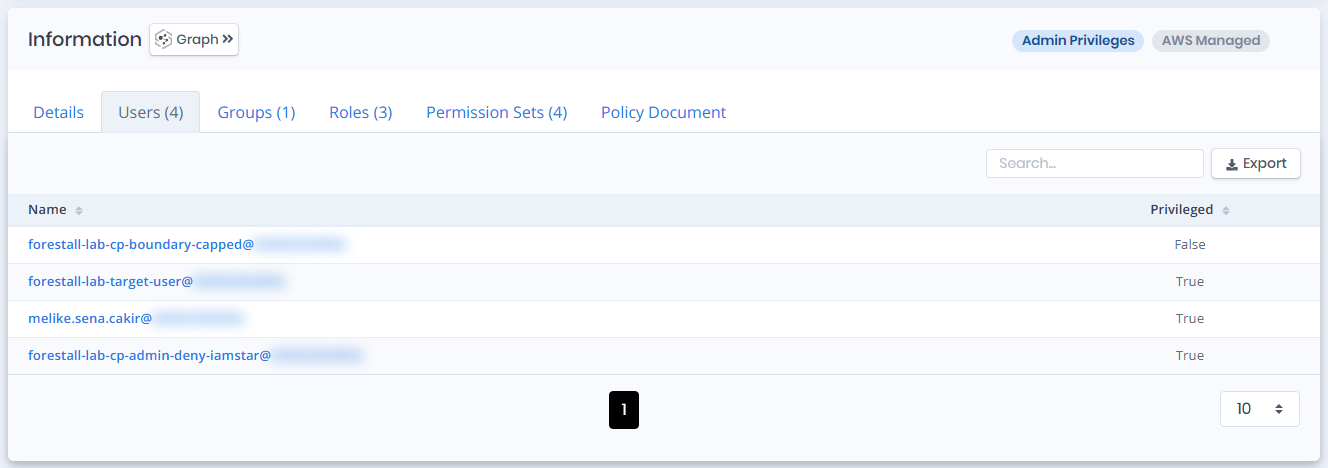
Users tab contains a list of IAM users that the policy is directly attached to. This list also contains the Privileged column.
Users
## Groups
Groups tab contains a list of IAM groups that the policy is attached to. This list also contains the Member Count column.
Groups
## Roles
Roles tab contains a list of IAM roles that the policy is attached to. This list also contains the Privileged column.
Roles
## Permission Sets
Permission Sets tab contains a list of the IAM Identity Center permission sets that include this policy. A policy reaching an account through a permission set is not attached to any principal in that account directly, so it will not appear under `Users`, `Groups` or `Roles` - this tab is the only place that relationship is visible. The list contains the Name, Session Duration and Description columns.
## Policy Document
Policy Document tab displays the full JSON content of the IAM policy document, including all statements, actions, effects, and resources defined within the policy. When the policy has several versions, a selector lets you choose the version to show. The default version is marked `DEFAULT`.
Policy Document
## Issues
Issues pane contains identified security issues on the IAM policy object.