
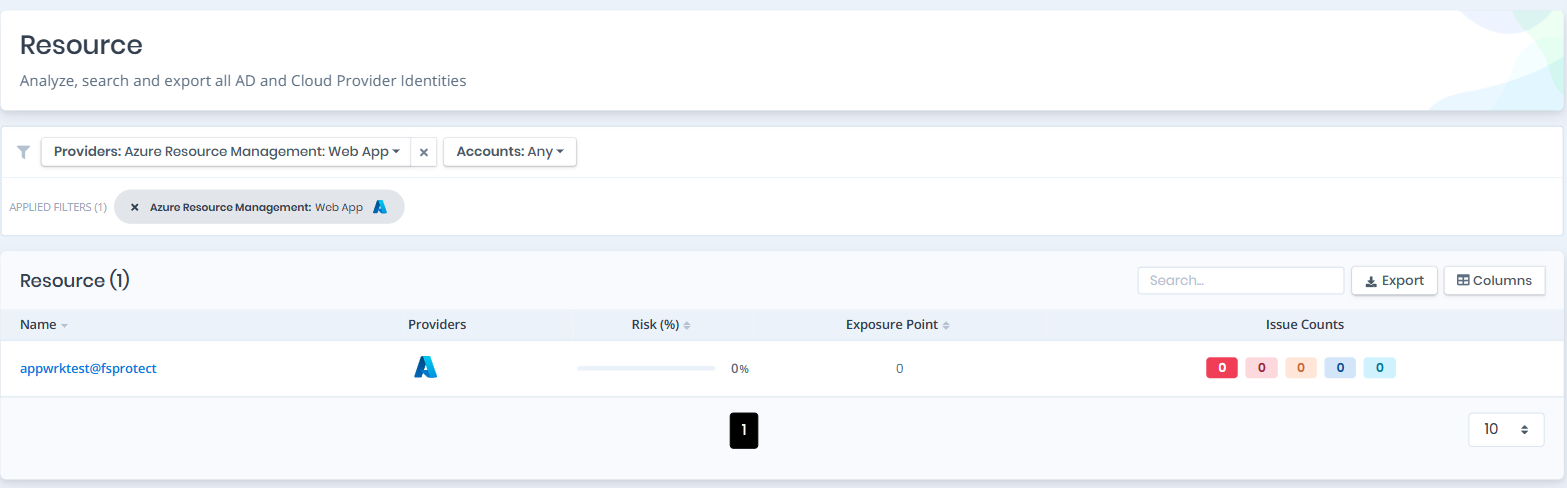
Open Unified Identities › Resources, filter Providers to Azure Resource Management › Web App, then select a row to open its details. Web apps are Azure App Service web apps.
Web Apps
Web Apps Details
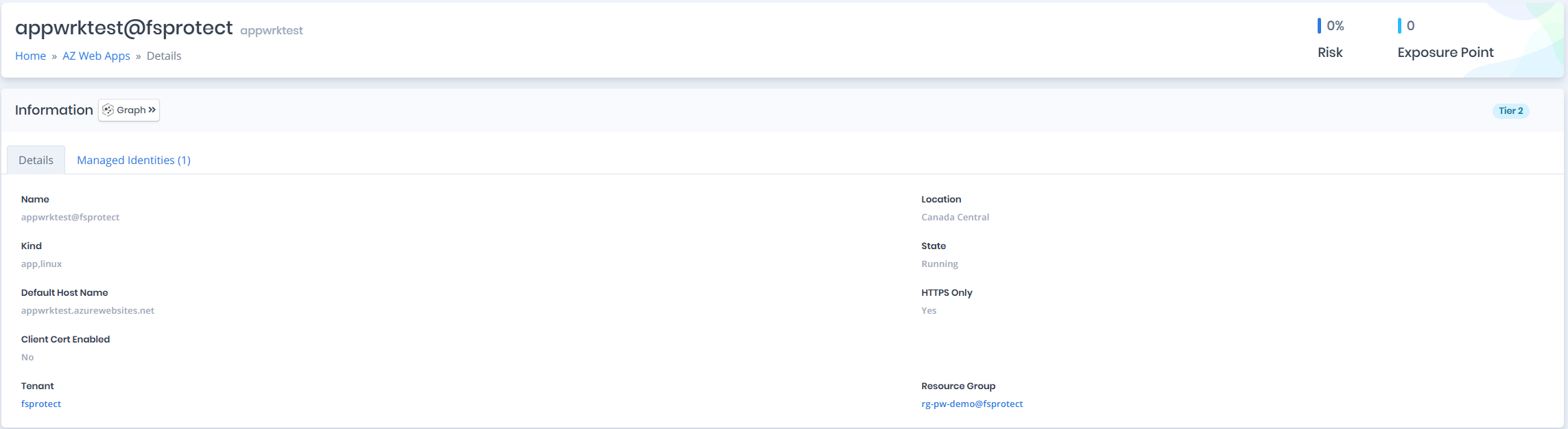
Details page contains the Risk and Exposure Point of the web app and the Information pane.
You can analyze the object in the Graph by clicking the Graph » button next to the Information title.
Web Apps Details
Information
Information Pane contains Details and Managed Identities tabs.
A Tier 0 or Tier 2 badge on the right of the Information title shows the tier of the web app.
Details
Details tab contains attributes below about the web app.
| Attribute | Description |
|---|---|
| Name | The display name of the web app with tenant suffix |
| Location | The Azure region where the web app is deployed |
| Kind | The kind of App Service resource (e.g., app, linux) |
| State | The current state of the web app (e.g., Running) |
| Default Host Name | The default hostname assigned to the web app |
| HTTPS Only | Indicates whether the web app accepts only HTTPS traffic |
| Client Cert Enabled | Indicates whether client certificate authentication is enabled |
| Tenant | The tenant the web app belongs to |
| Resource Group | The resource group the web app is associated with |
Runtime
When runtime configuration is available, the following attributes are shown in a separate Runtime section.
| Attribute | Description |
|---|---|
| Runtime Stack | The application runtime stack (e.g., NODE, DOTNET) |
| Runtime Version | The version of the runtime stack |
| Linux Stack Version | The Linux FX version string (e.g., NODE|18-lts) |
| Windows Stack Version | The Windows FX version string |
| .NET Framework Version | The .NET Framework version configured for the web app |
| Node.js Version | The Node.js version configured for the web app |
| Python Version | The Python version configured for the web app |
| Java Version | The Java version configured for the web app |
| PHP Version | The PHP version configured for the web app |
Managed Identities
The Managed Identities tab lists Azure Active Directory service principals (managed identities) assigned to the web app. A managed identity lets the web app authenticate to other Azure resources (e.g. Key Vault, Storage, SQL) without storing credentials in code or configuration. Any role granted to an identity listed here is effectively granted to this web app, so these identities are part of its attack surface.
| Attribute | Description |
|---|---|
| Name | The display name of the managed identity with tenant suffix |
| Display Name | The display name of the service principal |
| Type | The service principal type (e.g., ManagedIdentity) |

Managed Identities