> For the complete documentation index, see [llms.txt](https://docs.forestall.io/forestall/llms.txt). Markdown versions of documentation pages are available by appending `.md` to page URLs; this page is available as [Markdown](https://docs.forestall.io/forestall/profile-menu/user-settings.md).
# Profile
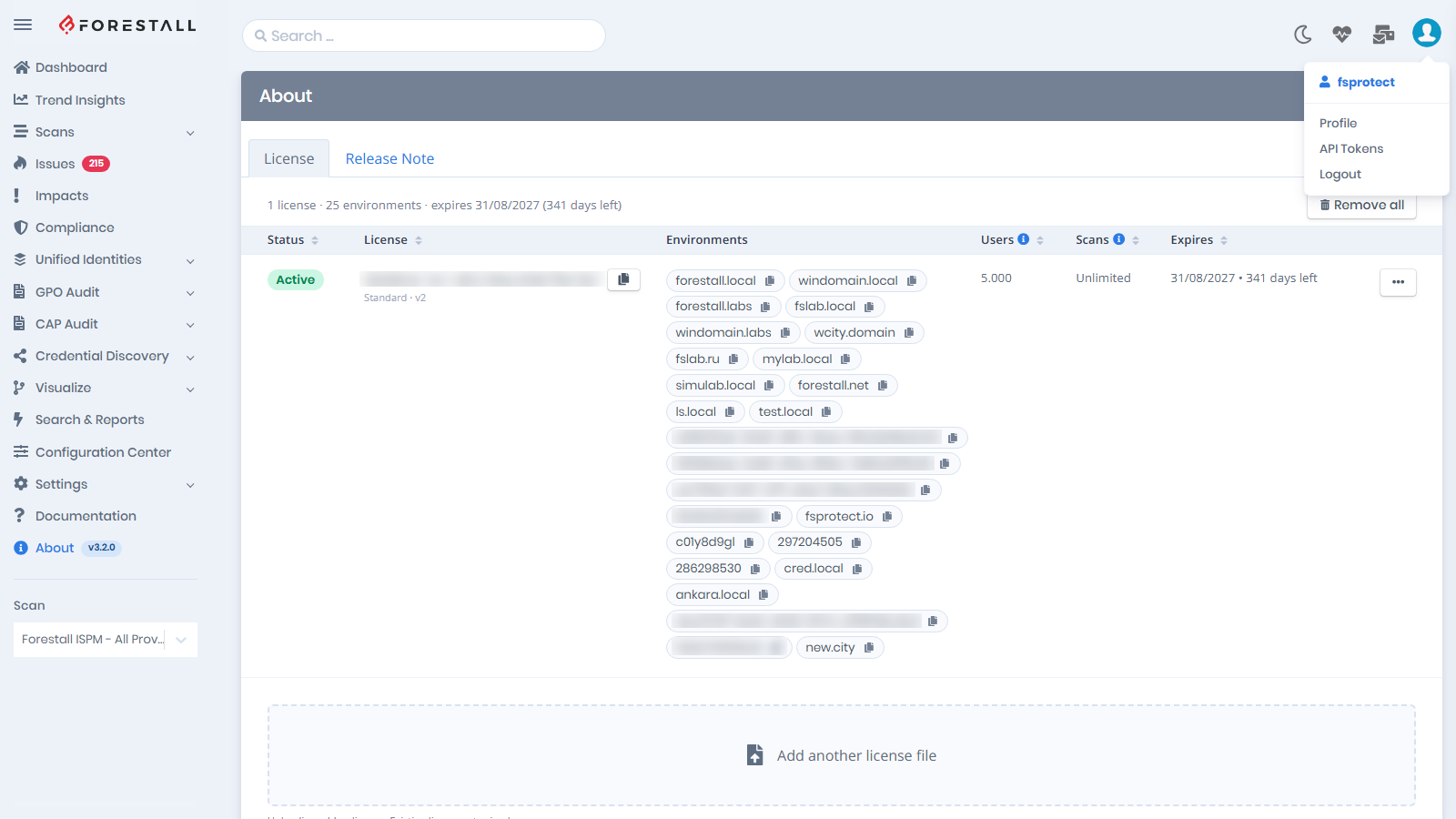
The **Profile** page is where you manage your own account. To open it, click your avatar in the top-right corner and select **Profile** (or click your username at the top of the menu). Every signed-in user can open it. No permission is required.
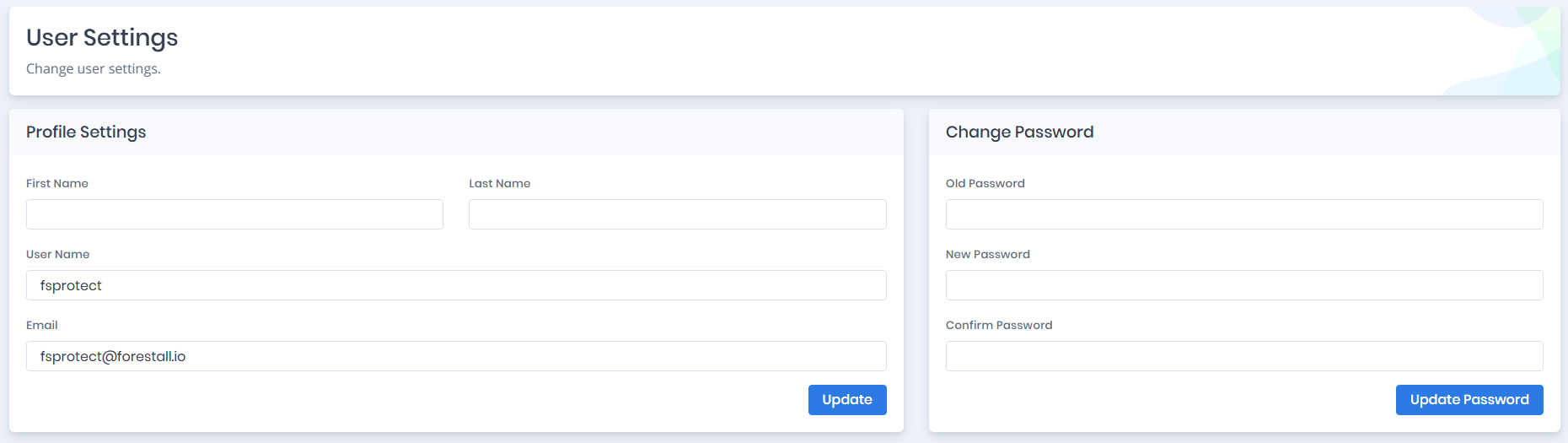
The page has two cards:
* **Profile Settings**: `First Name`, `Last Name`, `User Name` and `Email`. Click `Update` to save them.
* **Change Password**: enter `Old Password`, `New Password` and `Confirm Password`, then click `Update Password`.
Profile page
Opening Profile from the profile menu
Administrators manage other users' accounts in [Settings > Users](/forestall/settings/users.md). The other profile menu items are described in [Profile Menu](/forestall/profile-menu.md).