> For the complete documentation index, see [llms.txt](https://docs.forestall.io/forestall/llms.txt). Markdown versions of documentation pages are available by appending `.md` to page URLs; this page is available as [Markdown](https://docs.forestall.io/forestall/unified-identities/ad-identities/gpos.md).
# GPOs
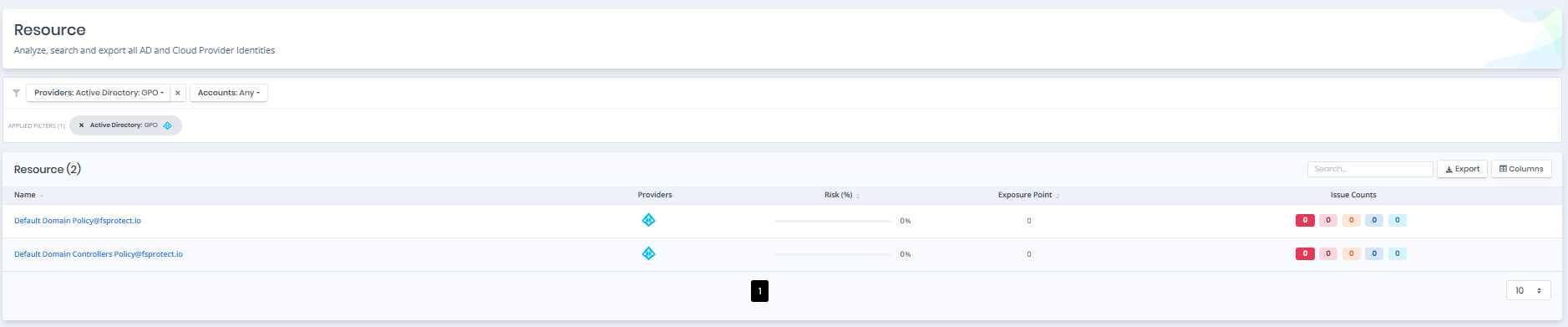
Open **Unified Identities › Resources**, filter **Providers** to **Active Directory › GPO**, then select a row to open its details.
Group Policy Objects
## Group Policy Object Details
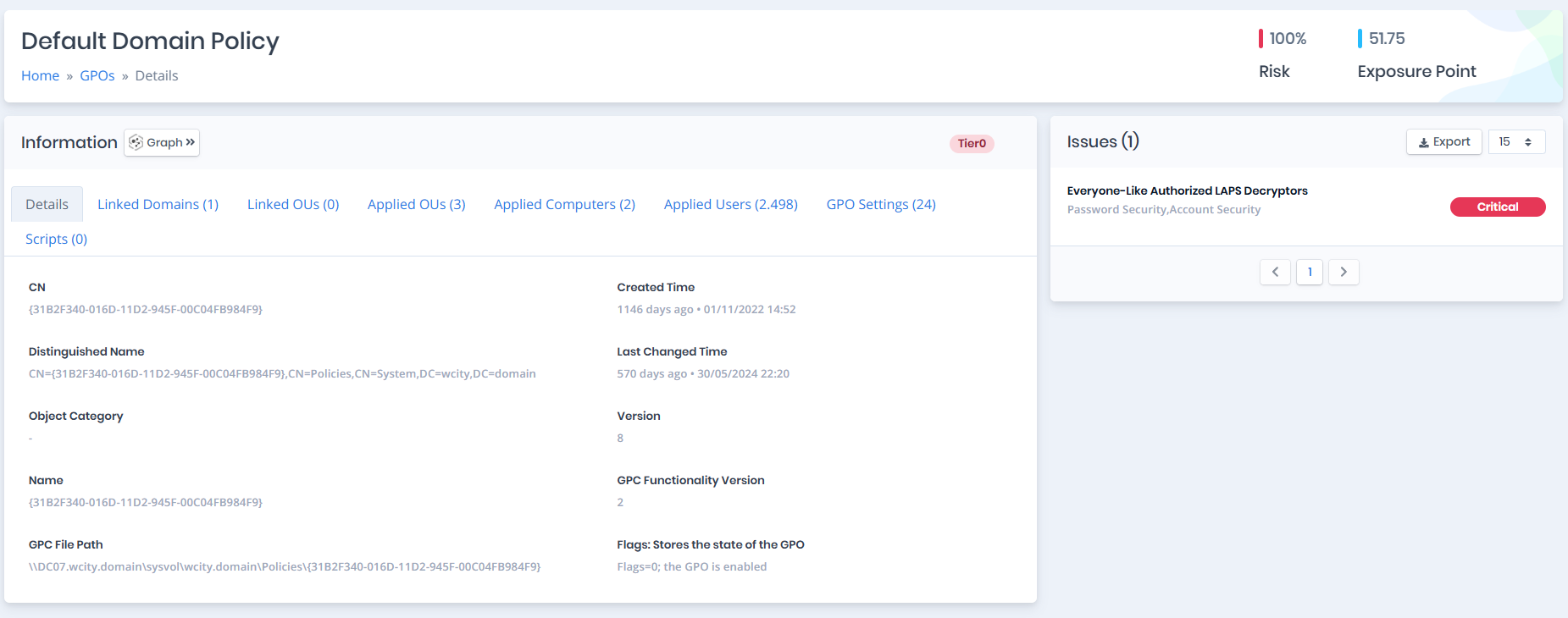
Opening a group policy object shows the `Risk` and `Exposure Point` in its header, and the `Information` and `Issues` panes.
{% hint style="info" %}
You can analyze the object in the [Graph](/forestall/visualize/visualize.md) by clicking the **Graph »** button next to the `Information` title.
{% endhint %}
GPOs Details
## Information
`Information Pane` contains `Details`, `Linked Domains`, `Linked OUs`, `Applied OUs`, `Applied Computers`, `Applied Users`, `GPO Settings`, and `Scripts` tabs respectively.
## Details
Details tab contains attributes below about group policy object.
| Attribute | Description |
| ----------------------------- | ----------------------------------------------------------------------------------------------------------------------------------------------------------- |
| **CN** | The name that represents an object. Used to perform searches. (**Ldap Display Name**: cn) |
| **Distinguished Name** | Active Directory distinguished name of the object. (**Ldap Display Name**: distinguishedName) |
| **Object Category** | An object class name used to group objects of this or derived classes. (**Ldap Display Name**: objectCategory) |
| **Name** | Name of the specified object. (**Ldap Display Name**: name) |
| **GPC File Path** | SYSVOL Policy folder path of the group policy object. (**Ldap Display Name**: gPCFileSysPath) |
| **Created Time** | The date when this object was created. (**Ldap Display Name**: whenCreated) |
| **Last Changed Time** | The date when this object was last changed. (**Ldap Display Name**: whenChanged) |
| **Version** | A general purpose version number. (**Ldap Display Name**: versionNumber) |
| **GPC Functionality Version** | The version of the Group Policy Editor that created this object. (**Ldap Display Name**: gPCFunctionalityVersion) |
| **Flags** | State of the GPO: enabled (`0`), user configuration disabled (`1`), computer configuration disabled (`2`) or disabled (`3`). (**Ldap Display Name**: flags) |
## Linked Domains
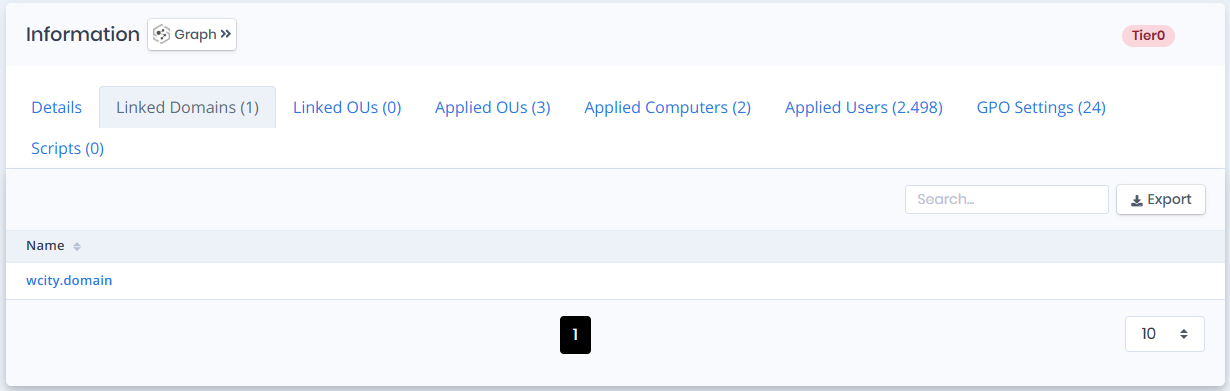
Linked Domains tab contains a list of domain objects that are directly linked with the group policy object.
Linked Domains
## Linked OUs
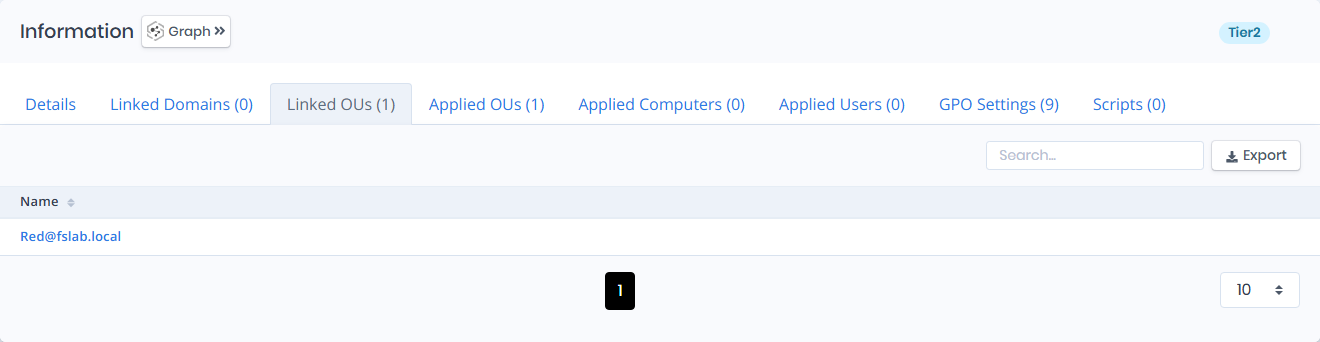
Linked OUs tab contains a list of organizational unit objects that are directly linked with the group policy object.
Linked OUs
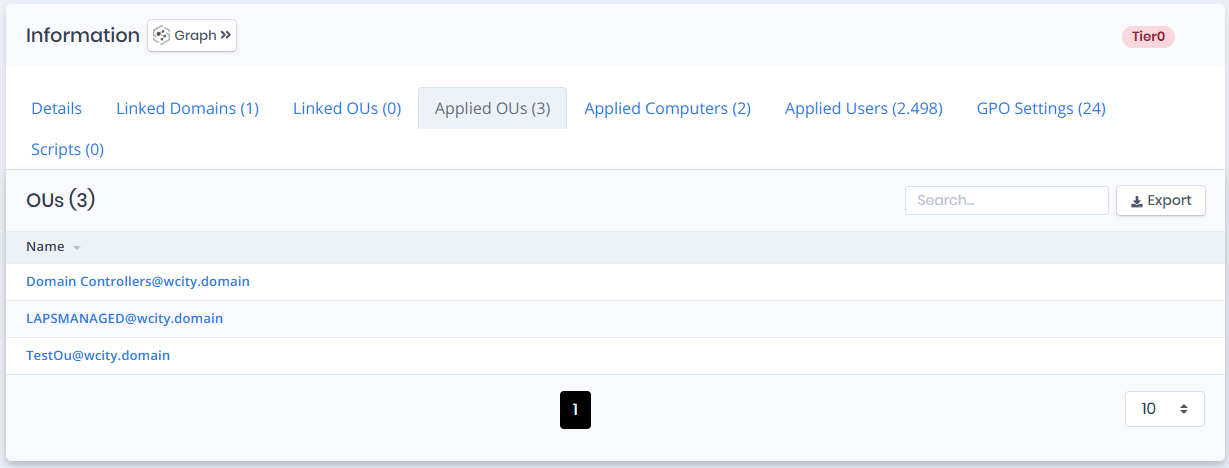
## Applied OUs
Applied OUs tab contains a list of organizational unit objects that are directly linked to the group policy object or inherit it from a parent OU.
Applied OUs
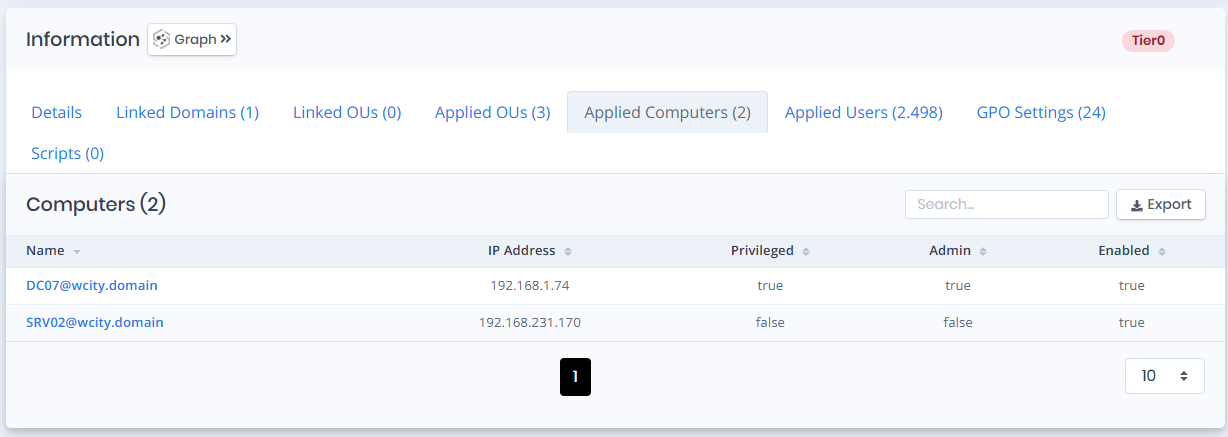
## Applied Computers
The **Applied Computers** section lists the computers to which the selected GPO is effectively applied.\
It shows only the computers that receive and enforce the GPO based on scope, linking, and security filtering.
Applied Computers
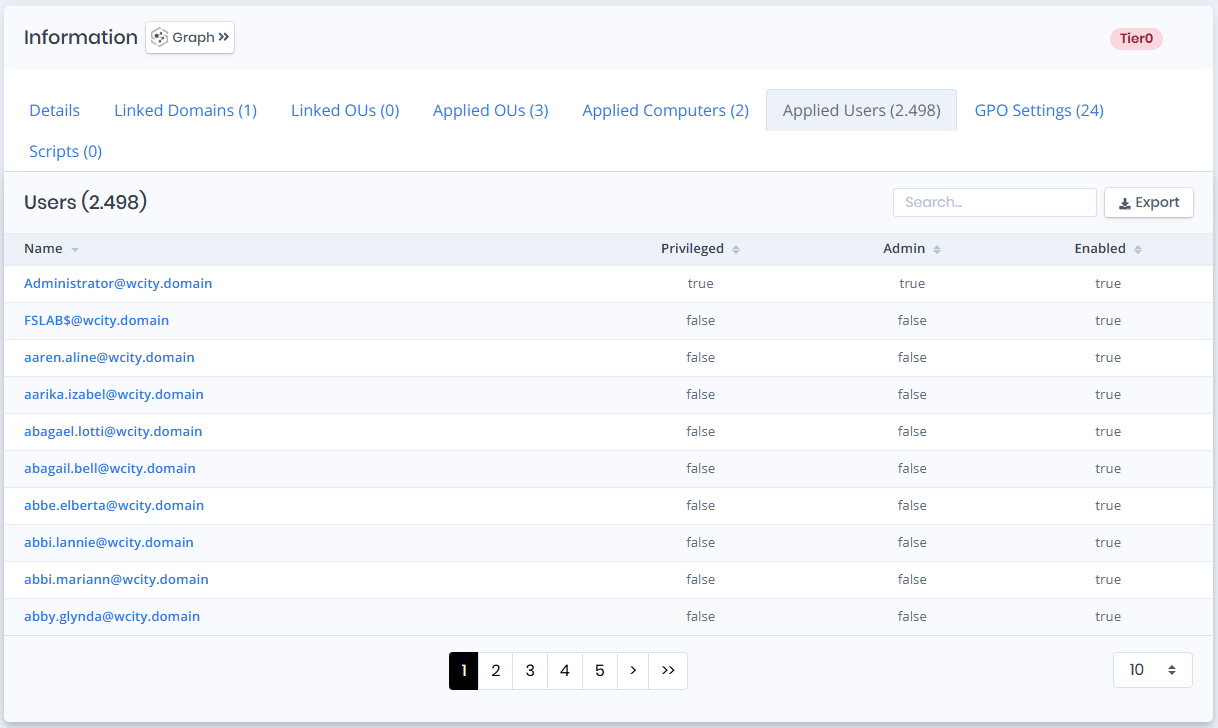
## Applied Users
The **Applied Users** section lists the users to whom the selected GPO is effectively applied.\
It shows only the user accounts that receive and enforce the GPO based on scope, linking, and security filtering.
Applied Users
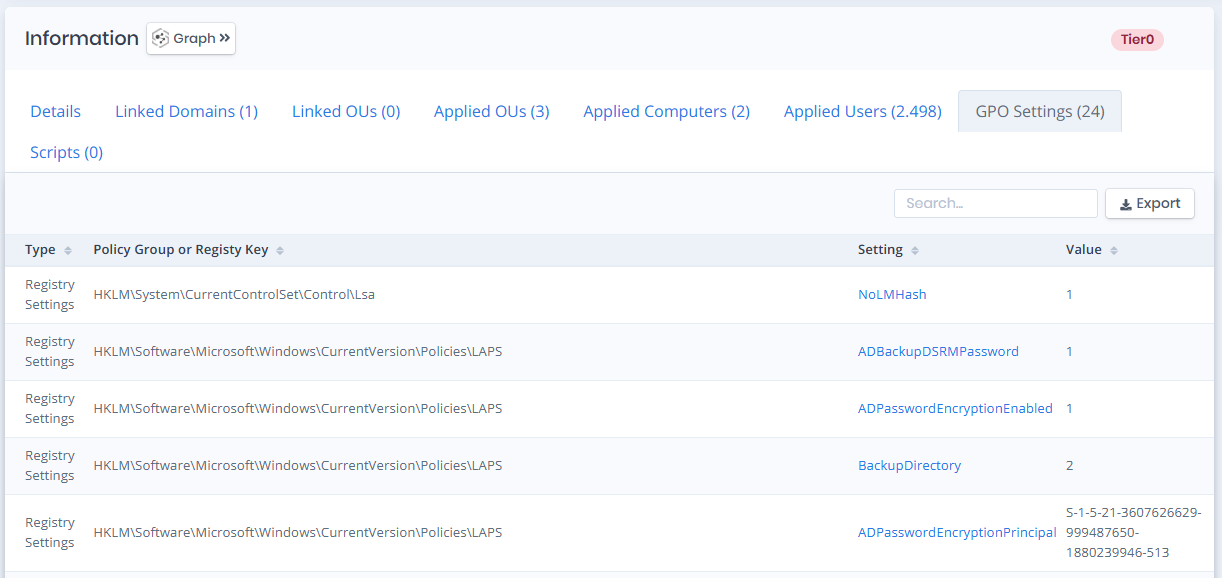
## GPO Settings
GPO Settings tab contains a list of settings that are defined with the group policy object. The list also contains the columns below.
GPO Settings
**Type**: Type of the applied settings.
**Policy Group or Registry Key**: Group policy configuration path of the applied settings.
**Setting**: Name of the applied settings.
**Value**: Value of the setting that is defined/configured by the group policy object.
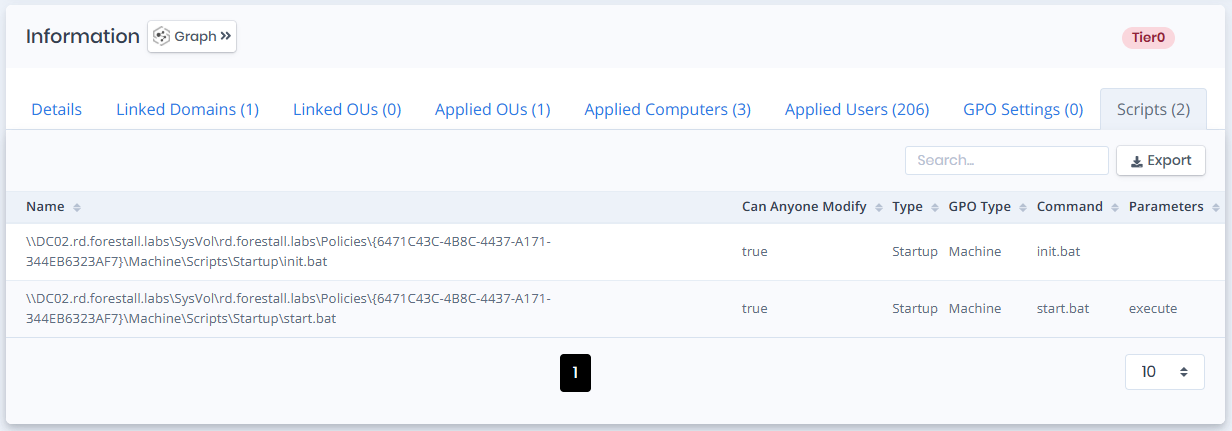
## Scripts
Scripts tab contains a list of `Logon/Logoff` and `Startup/Shutdown` scripts that are implemented with the group policy object. The list also contains the columns below.
Scripts
**Name**: The file name of the script.
**Can Anyone Modify**: Indicates whether the script can be modified by anyone.
**Type**: Indicates at what stage the script runs. (Startup, Shutdown, Logon, Logoff)
**GPO Type**: Indicates the group policy type the script belongs to. (Machine, User)
**Command**: Indicates the command that is required to run the script.
**Parameters**: Indicates the command line parameters that are required to run the script.
## Issues
Issues pane contains identified issues on the group policy object.