> For the complete documentation index, see [llms.txt](https://docs.forestall.io/forestall/llms.txt). Markdown versions of documentation pages are available by appending `.md` to page URLs; this page is available as [Markdown](https://docs.forestall.io/forestall/unified-identities/azure-identities/azure-resource-management/subscriptions.md).
# Subscriptions
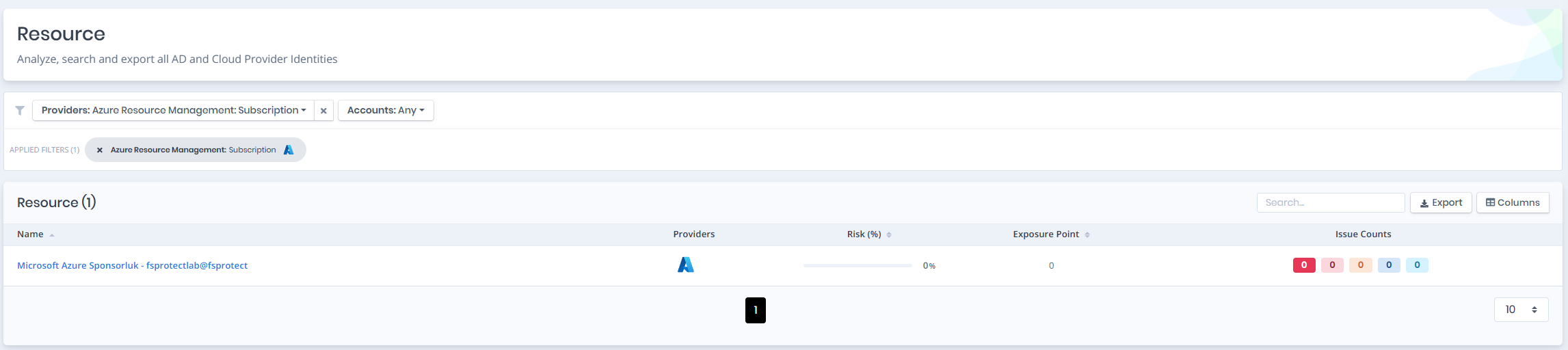
Open **Unified Identities › Resources**, filter **Providers** to **Azure Resource Management › Subscription**, then select a row to open its details.
Subscriptions
### Subscriptions Details
Details page contains the `Risk` and `Exposure Point` of the subscription and the `Information` pane.
{% hint style="info" %}
You can analyze the object in the [Graph](/forestall/visualize/visualize.md) by clicking the **Graph »** button next to the `Information` title.
{% endhint %}
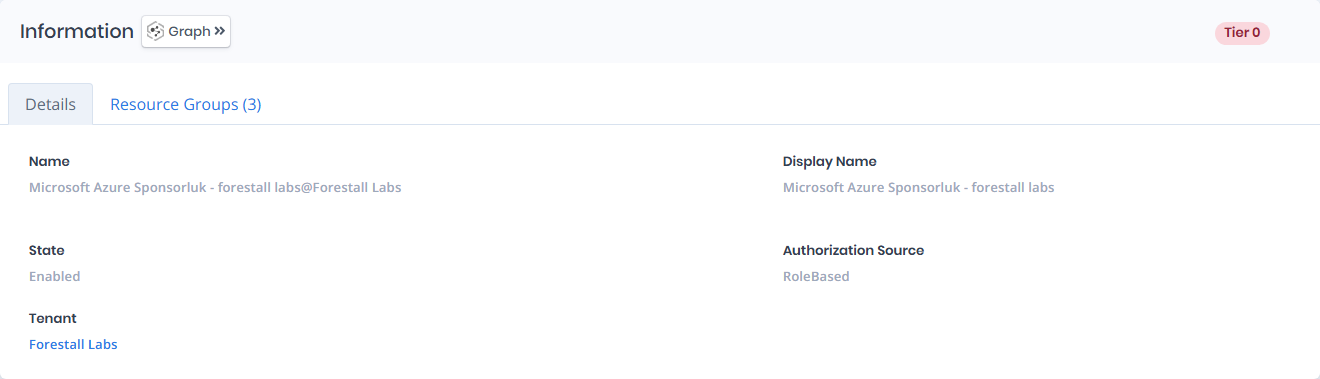
Subscriptions Details
### Information
`Information Pane` contains `Details` and `Resource Groups` tabs.
A `Tier 0` or `Tier 2` badge on the right of the `Information` title shows the tier of the subscription.
### Details
Details tab contains attributes below about the AZ subscription.
| Attribute | Description |
| -------------------- | -------------------------------------------------------------- |
| Name | The display name of the subscription with tenant suffix |
| Display Name | The display name of the subscription |
| State | The current state of the subscription (e.g., Enabled) |
| Authorization Source | The authorization source of the subscription (e.g., RoleBased) |
| Tenant | The tenant the subscription belongs to |
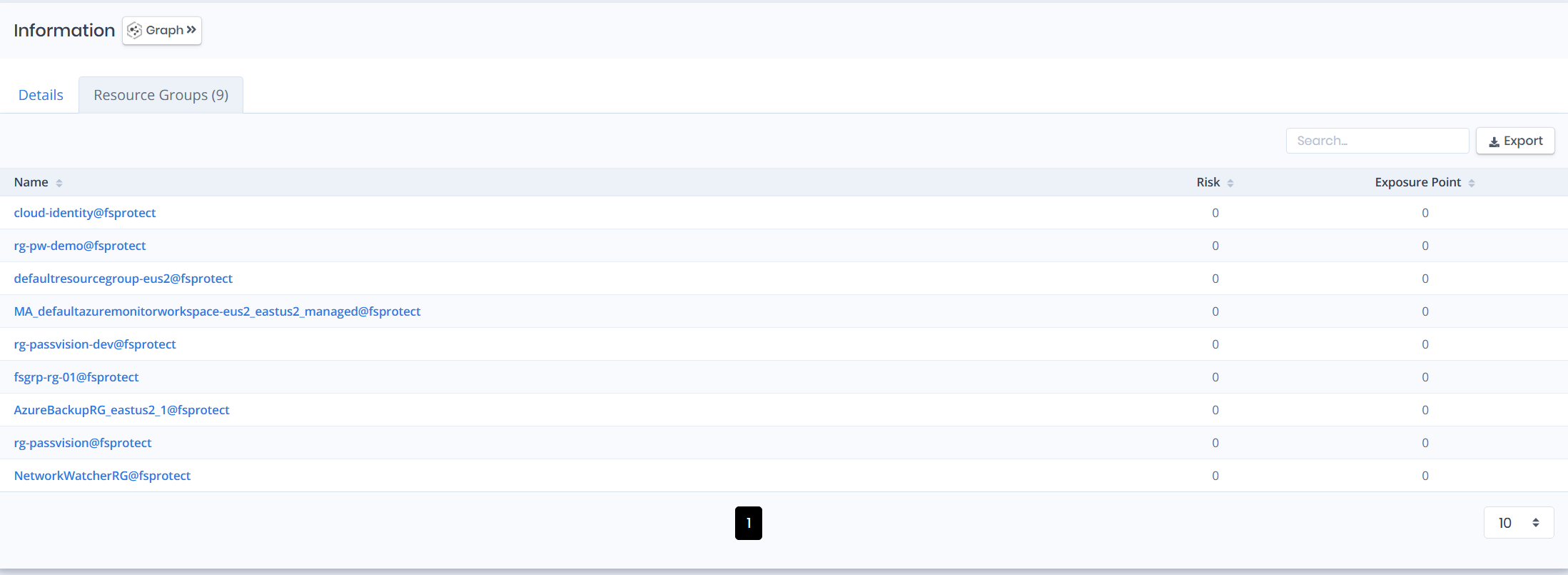
### Resource Groups
Resource Groups tab contains a list of resource groups that belong to the subscription, with `Name`, `Risk` and `Exposure Point` columns.