> For the complete documentation index, see [llms.txt](https://docs.forestall.io/forestall/llms.txt). Markdown versions of documentation pages are available by appending `.md` to page URLs; this page is available as [Markdown](https://docs.forestall.io/forestall/unified-identities/aws-identities/organizations.md).
# Organizations
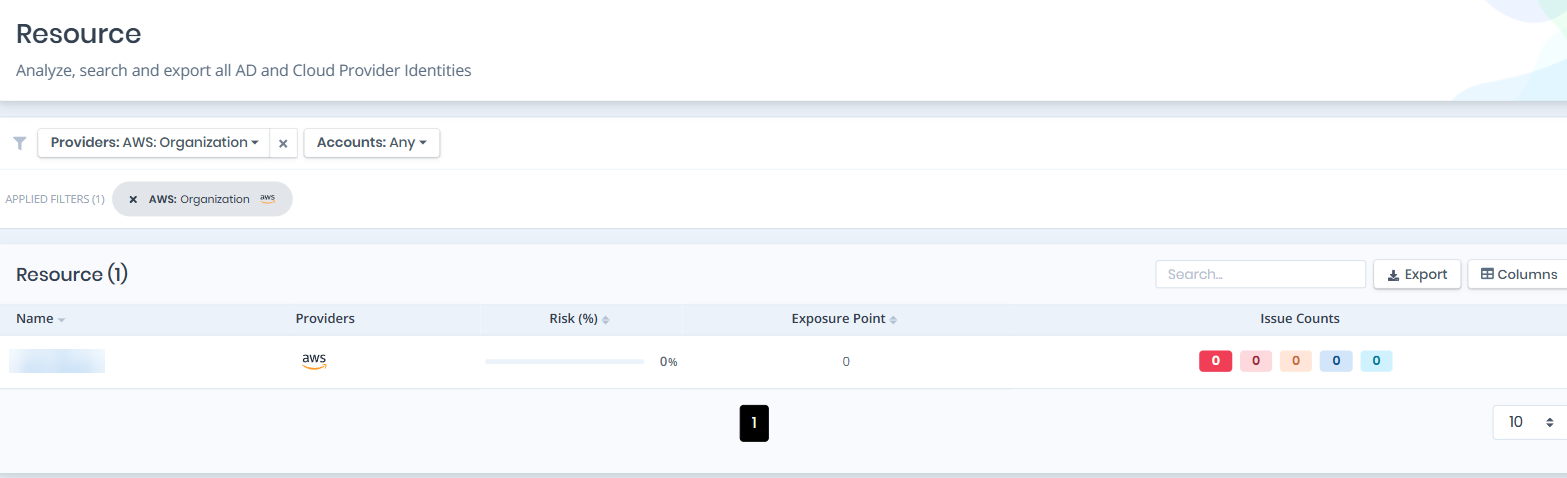
Open **Unified Identities › Resources**, filter **Providers** to **AWS › Organization**, then select a row to open its details.
Organizations
## Organization Details
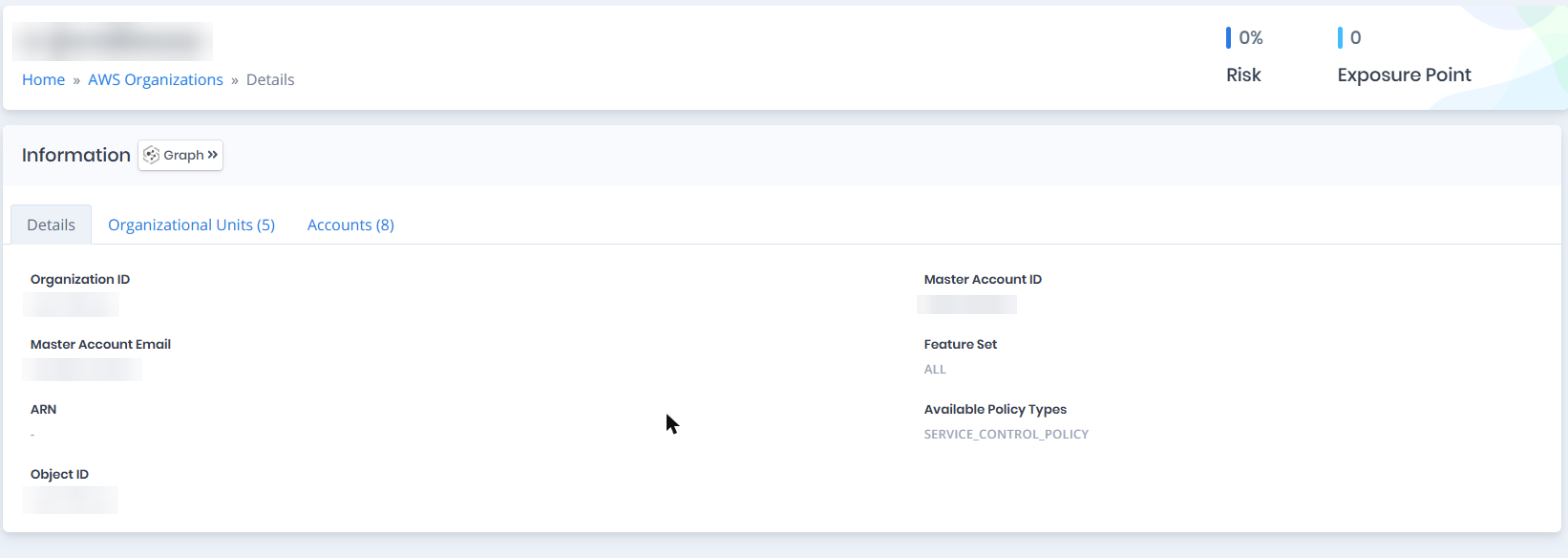
Details page contains the `Risk` and `Exposure Point` of the organization, and the Information and Issues panes.
{% hint style="info" %}
You can analyze the object in the [Graph](/forestall/visualize/visualize.md) by clicking the **Graph »** button next to the `Information` title.
{% endhint %}
Organization Details
## Information
Information Pane contains Details, Organizational Units and Accounts tabs.
## Details
Details tab contains attributes below about the AWS Organization object.
| Attribute | Description |
| ---------------------- | ----------------------------------------------------------------------------------------------------------- |
| Organization ID | The unique identifier assigned to the AWS Organization. |
| Master Account ID | The AWS account ID of the management (master) account that owns the organization. |
| Master Account Email | The email address associated with the management account of the organization. |
| Feature Set | The feature set enabled for the organization (e.g., ALL or CONSOLIDATED\_BILLING); blank if not applicable. |
| ARN | The Amazon Resource Name that uniquely identifies the AWS Organization; blank if not available. |
| Available Policy Types | The policy types currently enabled in the organization (e.g., SERVICE\_CONTROL\_POLICY). |
| Object ID | The unique identifier of the organization object, equivalent to the Organization ID. |
## Organizational Units
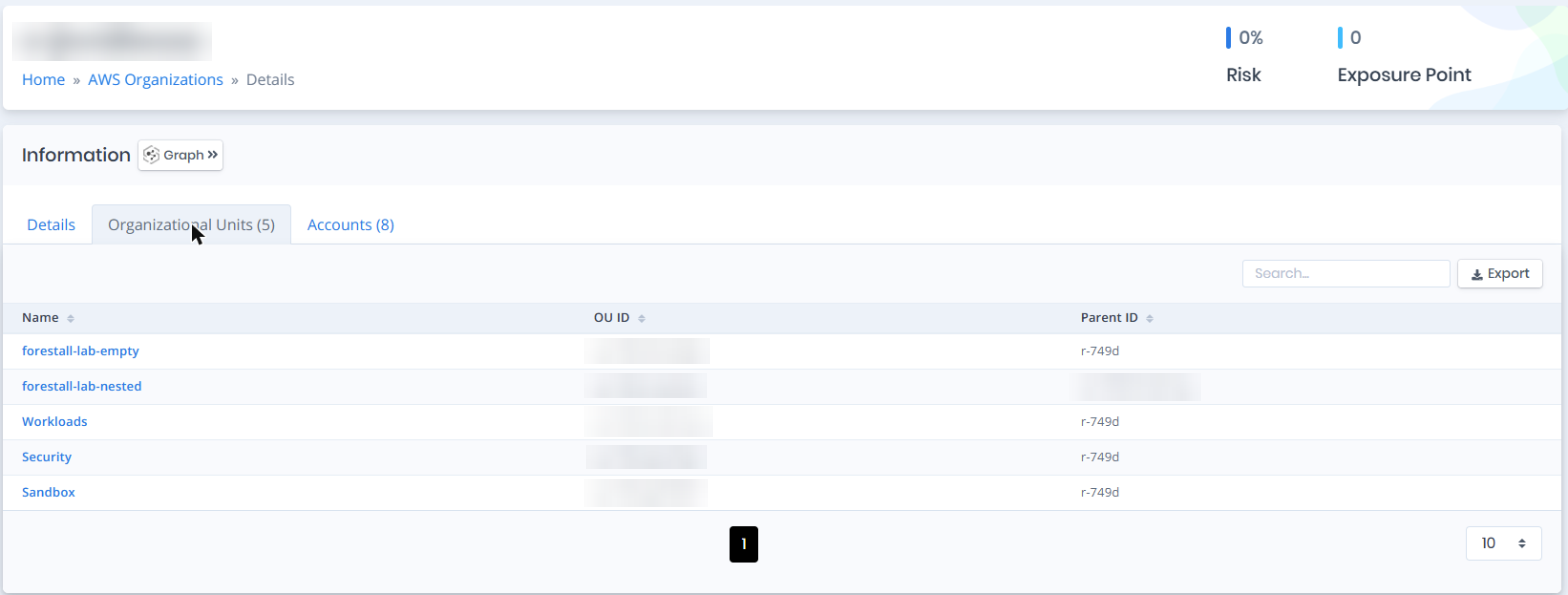
Organizational Units tab contains the organizational units directly under the organization root. From here you can follow the account hierarchy: organization to OU, OU to nested OU, and OU to account. Service Control Policies attach at the OU level, so the OU tree is also the boundary those policies apply to. The list contains the Name, OU ID and Parent ID columns.
Organizational Units
## Accounts
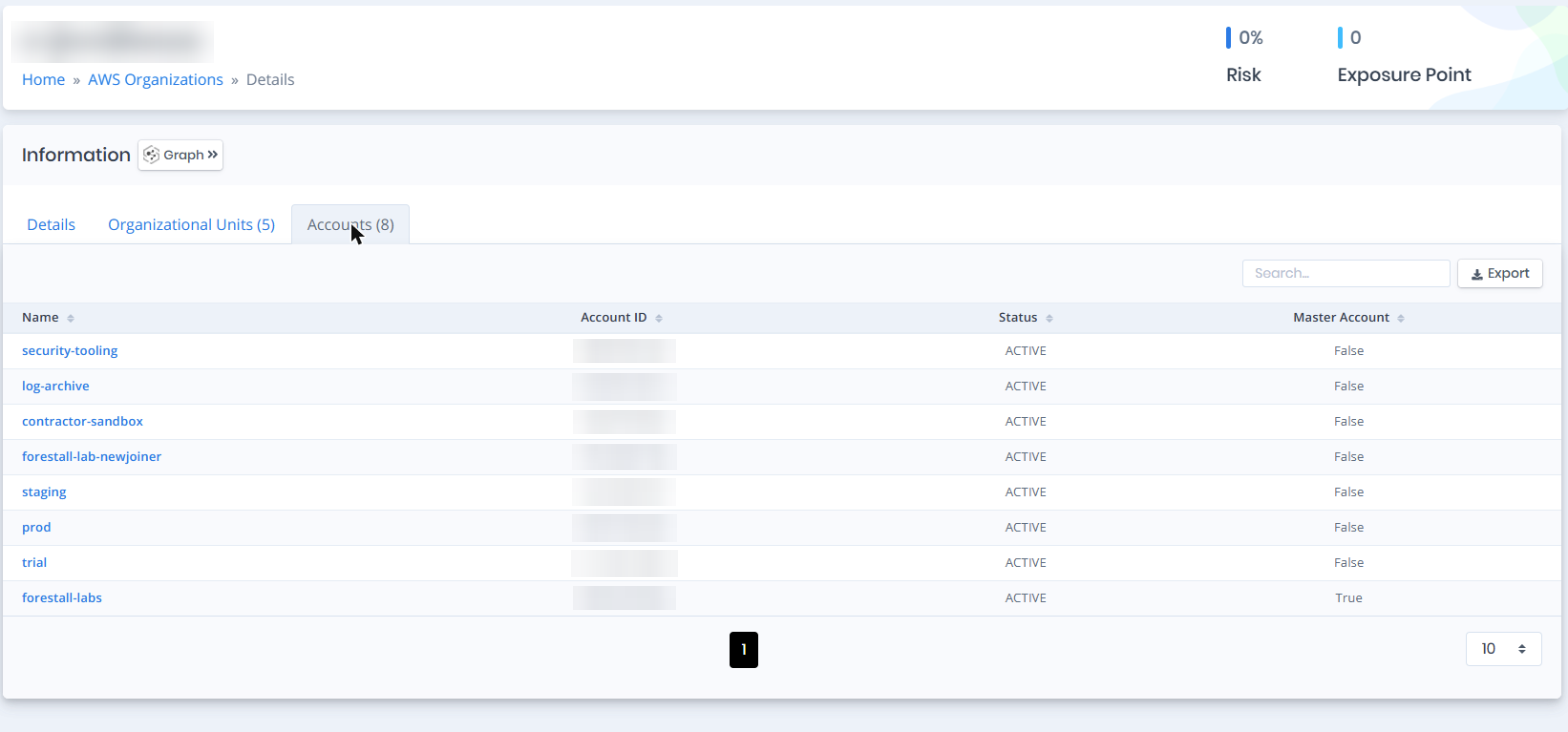
Accounts tab contains a list of AWS accounts that are members of the organization. The list contains the Name, Account ID, Status and Master Account columns.
Accounts
## Issues
Issues pane contains identified security issues on the AWS Organization object.