> For the complete documentation index, see [llms.txt](https://docs.forestall.io/forestall/llms.txt). Markdown versions of documentation pages are available by appending `.md` to page URLs; this page is available as [Markdown](https://docs.forestall.io/forestall/unified-identities/aws-identities/roles.md).
# Roles
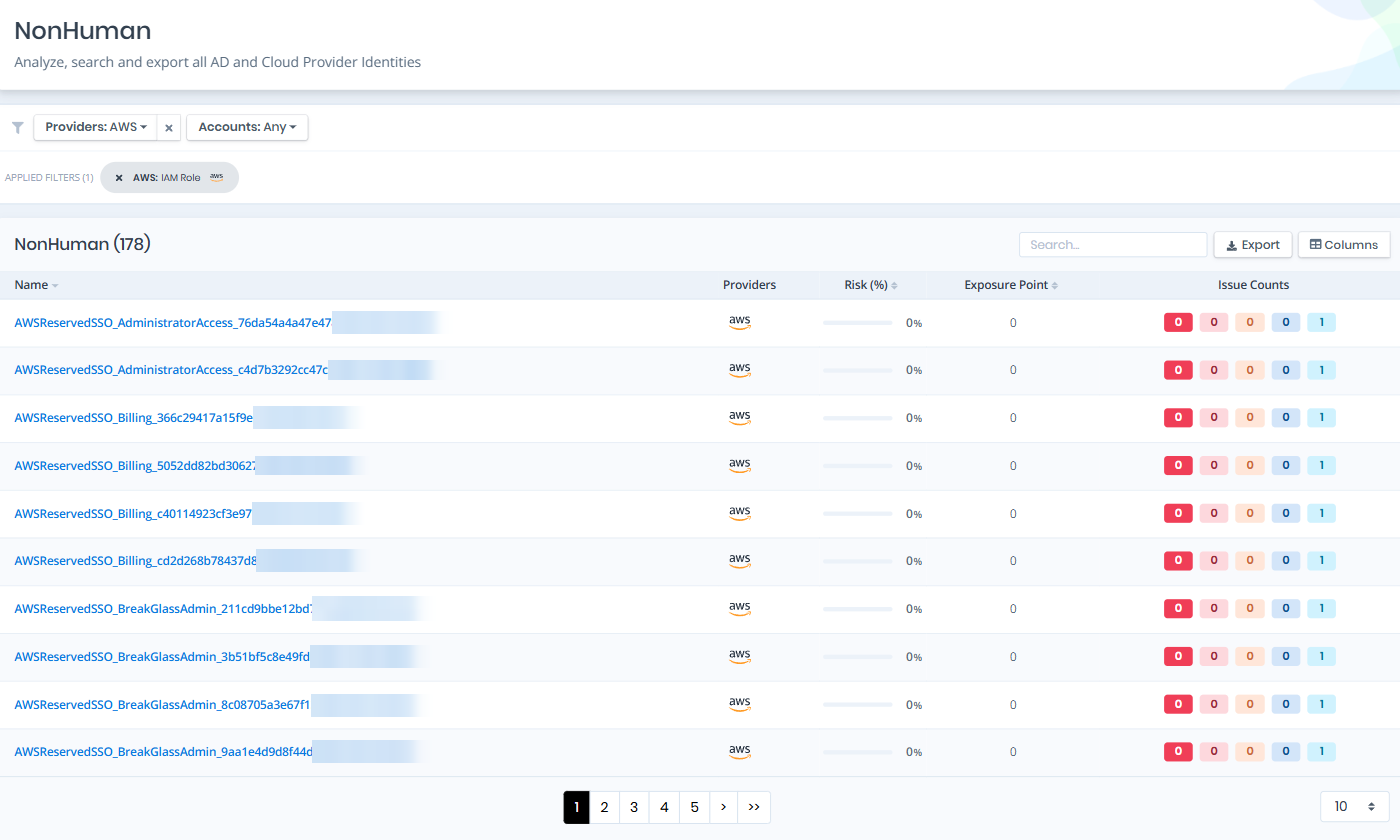
Open **Unified Identities › Non Human Identities**, filter **Providers** to **AWS › IAM Role**, then select a row to open its details.
Roles
## Role Details
Details page contains the `Risk` and `Exposure Point` of the role, and the Information and Issues panes.
{% hint style="info" %}
You can analyze the object in the [Graph](/forestall/visualize/visualize.md) by clicking the **Graph »** button next to the `Information` title. For a shadow admin the button reads **Admin Path »** and opens the shortest path to admin objects (see [Object Detail Pages](/forestall/unified-identities.md#object-detail-pages)).
{% endhint %}
Role Details
## Information
Information Pane can contain different badges to highlight important attributes.
| Badge | Description |
| --------------- | -------------------------------------------------------------------------------------------------------------------- |
| Privileged | Indicates that the object is Privileged. |
| Inactive | Indicates that the role has never been used or has not been used within the inactivity threshold of the scan policy. |
| Service Linked | Indicates that the role is an AWS service-linked role managed by an AWS service. |
| Tier 0 / Tier 2 | Indicates the tier of the object. |
| Shadow | Indicates that the object can compromise admin objects with at least one attack path. |
Information Pane contains Details, Attached Policies, Via Permission Sets and Trust Policy tabs.
## Details
Details tab contains attributes below about the IAM role object.
| Attribute | Description |
| -------------------- | -------------------------------------------------------------------------------------- |
| Role Name | The name of the IAM role, used for identification within AWS. |
| Role ID | The unique identifier assigned to the IAM role by AWS. |
| ARN | The Amazon Resource Name that uniquely identifies the IAM role across AWS. |
| Account ID | The AWS account ID that the IAM role belongs to. |
| Description | A user-defined text field describing the role's purpose or intended use. |
| Path | The path associated with the IAM role, used for organizational grouping. |
| Created | The date and time when the IAM role was created. |
| Last Used | The most recent date and time the role was assumed; blank if never used. |
| Max Session Duration | The maximum duration in seconds for a session when assuming the role. |
| Permissions Boundary | The managed policy used to set the maximum permissions for the role; blank if not set. |
| Source Tenant | The name of the tenant or configuration source from which the role was scanned. |
| Object ID | The unique identifier of the role object, equivalent to the IAM Role ID. |
## Attached Policies
Attached Policies tab contains a list of IAM policies attached to the role, including both managed and inline policies. This list also contains the AWS Managed and Admin Privileges columns to identify the scope and risk level of each policy.
Attached Policies
## Via Permission Sets
Via Permission Sets tab lists the IAM Identity Center permission sets that provision this role. A role created by Identity Center is not managed directly in IAM: its permissions come from the permission set, so the permission set is where a change has to be made. The list contains the Name, Description and Session Duration columns.
## Trust Policy
Trust Policy tab (its label shows the number of statements) shows the role's trust policy document, the policy that decides who is allowed to assume the role. It is shown as the raw JSON returned by AWS, so the principals, actions and conditions can be read exactly as they are evaluated.
The trust policy is what turns a role's permissions into a reachable path: a role with administrative permissions matters only as much as the set of principals its trust policy will accept. Look at the `Principal` block for accounts, federated providers or wildcards that are wider than intended, and at the `Condition` block for the constraints that narrow them.
## Issues
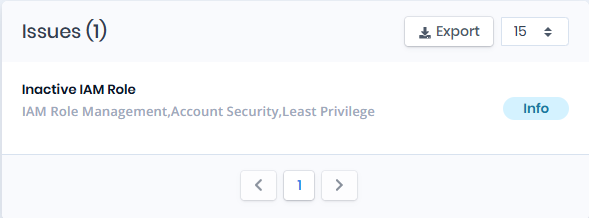
Issues pane contains identified security issues on the IAM role object.