> For the complete documentation index, see [llms.txt](https://docs.forestall.io/forestall/llms.txt). Markdown versions of documentation pages are available by appending `.md` to page URLs; this page is available as [Markdown](https://docs.forestall.io/forestall/unified-identities/azure-identities/microsoft-teams/teams-settings.md).
# Teams Settings
The Teams Settings object holds the organization-wide Teams settings of the tenant (Teams admin center › Teams settings).
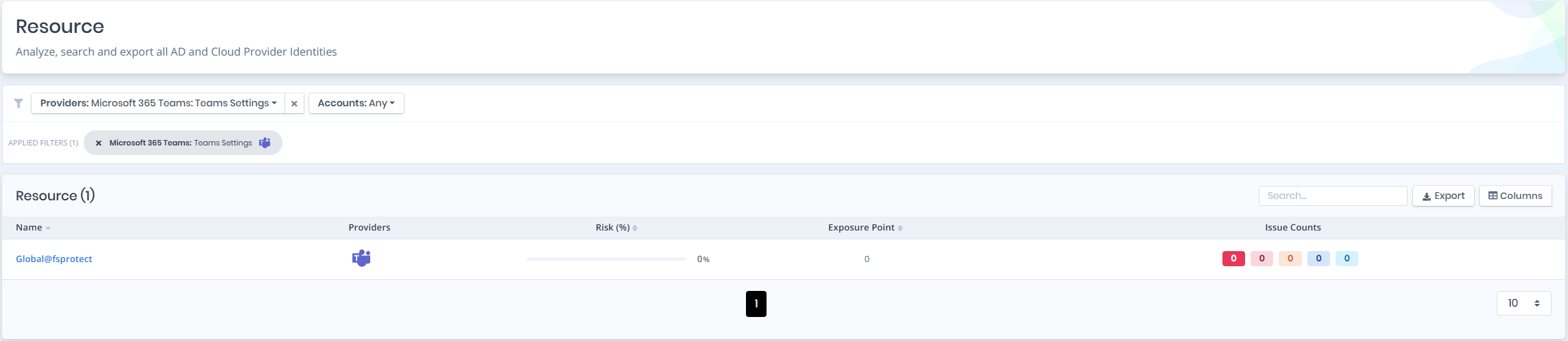
Open **Unified Identities › Resources**, filter **Providers** to **Microsoft 365 Teams › Teams Settings**, then select a row to open its details.
Teams Settings
## Teams Settings Details
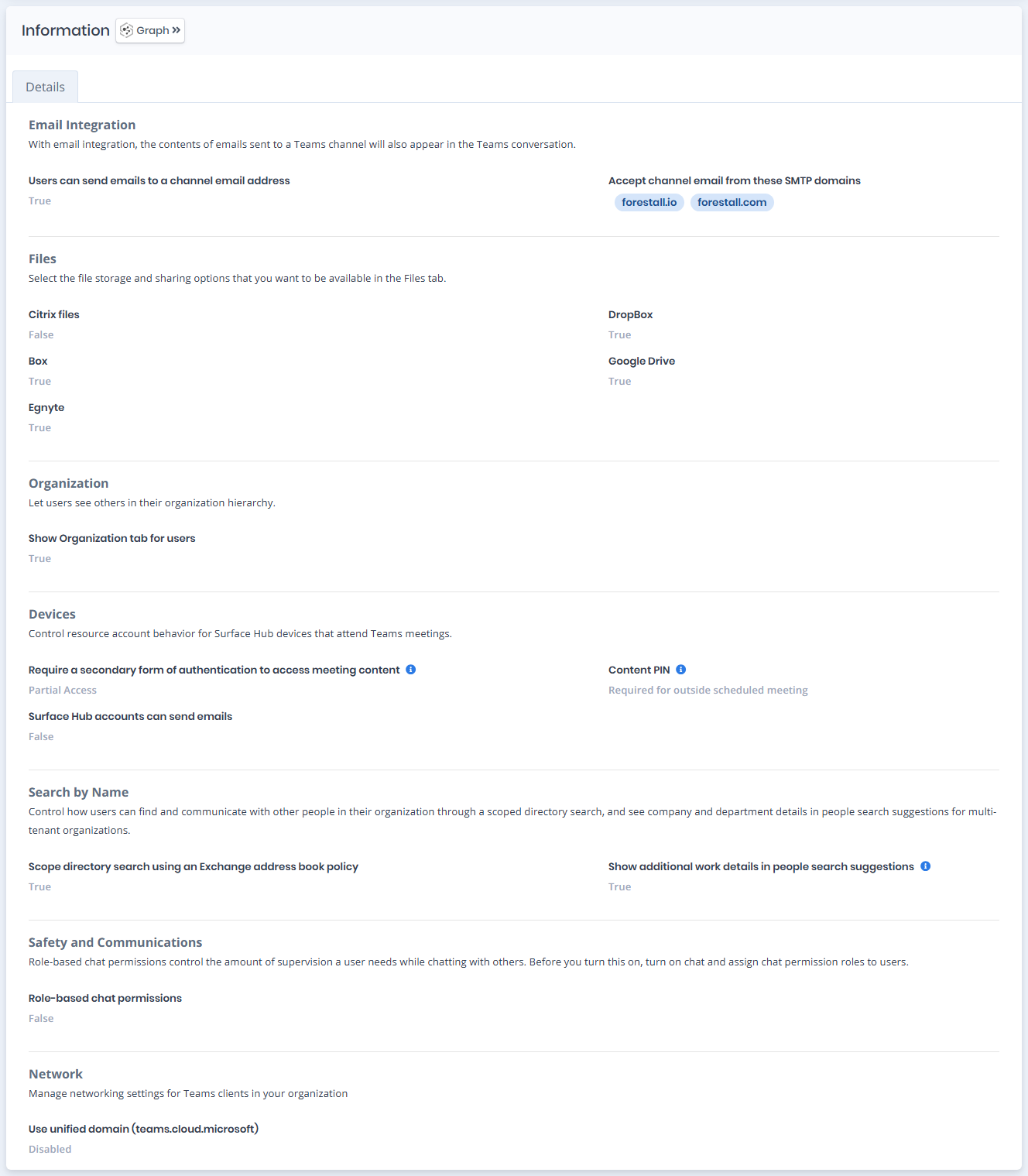
Details page contains the `Risk` of the Teams Settings, `Exposure Point`, `Information` and, when the settings have issues, `Issues` panes.
{% hint style="info" %}
You can analyze the object in the [Graph](/forestall/visualize/visualize.md) by clicking the **Graph »** button next to the `Information` title.
{% endhint %}
Teams Settings Details
### Details
Details tab contains attributes below about teams settings object.
| Attribute | Description |
| -------------------------------------------------------------------- | ---------------------------------------------------------------------------------------------------------------------------------------------- |
| Users can send emails to a channel email address | Allows users to send emails to a channel’s email address so that the email content appears as a message in the Teams channel conversation. |
| Accept channel email from these SMTP domains | Specifies which SMTP domains are allowed to send emails to a Teams channel email address. Emails from domains not listed are rejected. |
| Citrix files | Cloud-based file storage and sharing service that allows users to upload, access, and share files. |
| DropBox | Cloud storage service for saving, syncing, and sharing files across devices. |
| Box | Online file storage and collaboration platform for managing and sharing content. |
| Google Drive | Cloud storage service for storing, sharing, and collaborating on files and documents. |
| Egnyte | File storage and sharing platform that combines cloud and on-premises access. |
| Show Organization tab for users | Users can view the organizational hierarchy via the profile card or the relevant field. |
| Require a secondary form of authentication to access meeting content | Requires an additional authentication step before users can access meeting content. This setting applies only to Skype for Business users. |
| Content PIN | Determines when a PIN must be entered to access meeting content. This setting applies only to Skype for Business users. |
| Surface Hub accounts can send emails | Setting that allows the resource account associated with the Surface Hub device to send emails. |
| Scope directory search using an Exchange address book policy | Limits directory search results in Teams based on the Exchange address book policy assigned to the user. |
| Show additional work details in people search suggestions | When this is turned on, users will see company and department details in people search suggestions in Teams. (Multi-Tenant Organizations only) |
| Role-based chat permissions | Controls how chat interactions are managed based on assigned user roles |
| Use unified domain (teams.cloud.microsoft) | Manage networking settings for Teams clients in your organization |