> For the complete documentation index, see [llms.txt](https://docs.forestall.io/forestall/llms.txt). Markdown versions of documentation pages are available by appending `.md` to page URLs; this page is available as [Markdown](https://docs.forestall.io/forestall/unified-identities/azure-identities/entra-id/applications.md).
# Applications
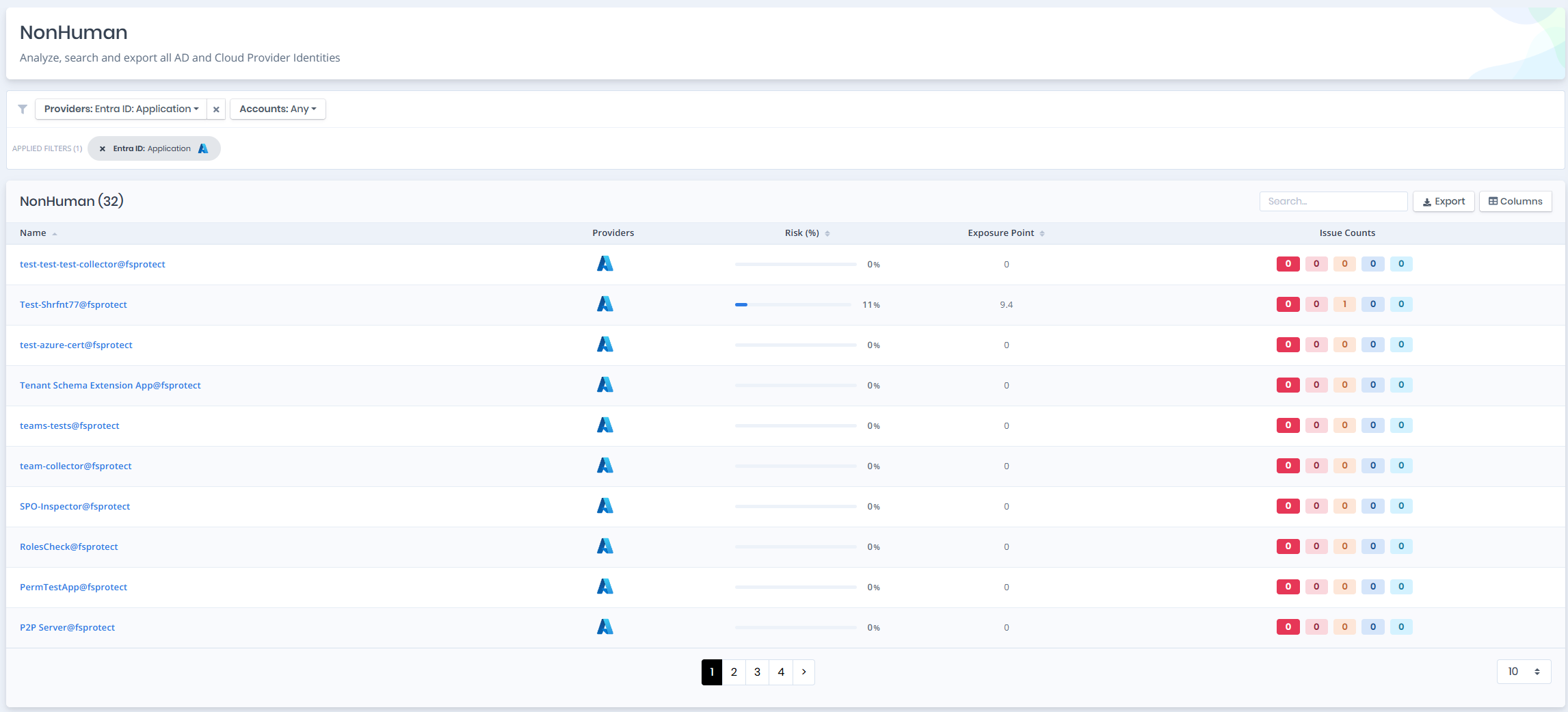
Open **Unified Identities › Non Human Identities**, filter **Providers** to **Entra ID › Application**, then select a row to open its details.
Applications
## Application Details
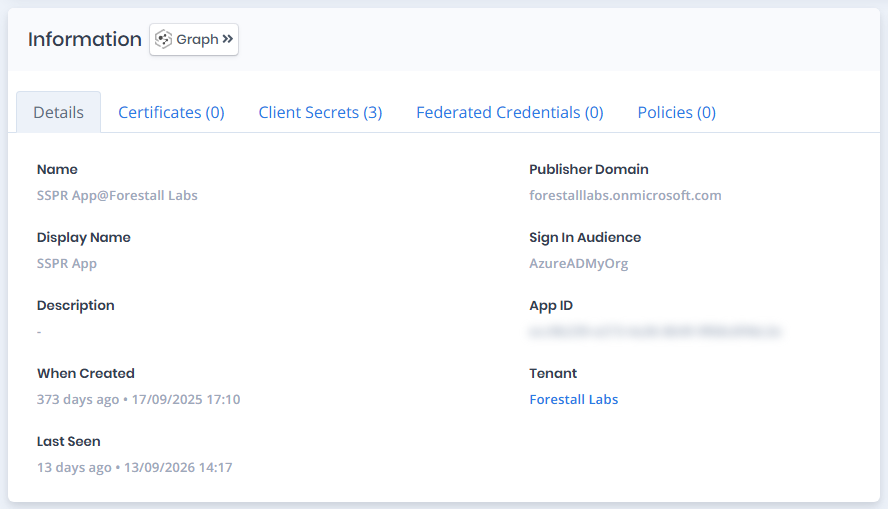
Opening an application shows the `Risk` and `Exposure Point` in the header, and the page contains the `Information` and `Issues` panes. The `Information` pane carries a `Tier 0` or `Tier 2` badge and contains `Details`, `Certificates`, `Client Secrets`, `Federated Credentials` and `Policies` tabs respectively. Each tab except `Details` carries the number of rows it holds in its label.
{% hint style="info" %}
You can analyze the object in the [Graph](/forestall/visualize/visualize.md) by clicking the **Graph »** button next to the `Information` title.
{% endhint %}
Application Details
## Details
Details tab contains attributes below about application.
| Attribute | Description |
| -------------------- | ----------------------------------------------------------------------------------------------------------------------------------------------------------- |
| **Name** | The unique name of the application object, typically matching the service principal’s identifier in Azure AD. |
| **Publisher Domain** | The domain name under which the application was published or registered, usually matching the tenant’s default domain. |
| **Display Name** | The name shown for the application in the Azure portal and sign-in logs; used for identification by users and admins. |
| **Sign In Audience** | Specifies the scope of users who can sign in to the application. For example, `AzureADMyOrg` means only users in the same Azure AD tenant can authenticate. |
| **Description** | A free-text field to describe the application's purpose; blank if not provided during registration. |
| **App ID** | The globally unique identifier (client ID) assigned to the registered application. |
| **When Created** | The date and time the application or its associated service principal was created in the Azure AD tenant. |
| **Tenant** | The Entra ID tenant where the application is registered, linking to its [Tenant](/forestall/unified-identities/azure-identities/entra-id/tenants.md) page. |
| **Last Seen** | The most recent timestamp when the application was used or accessed within the tenant. |
## Certificates
Certificates tab lists the certificate credentials of the application with `Name`, `Thumbprint`, `Description`, `Start Date`, `Expires` and `Certificate ID` columns.
## Client Secrets
Client Secrets tab lists the client secrets of the application with `Name`, `Description`, `Start Date`, `Expires`, `Value` and `Secret ID` columns. Only the first characters of a secret value are shown. The rest is masked.
## Federated Credentials
Federated Credentials tab lists the federated identity credentials that let external workloads sign in as the application, with `Credential Name`, `Name`, `Issuer`, `Subject`, `Audiences`, `Description` and `Credential ID` columns.
## Policies
Policies tab lists the Conditional Access policies that target the application, with `Name` (linking to the [Conditional Access Policy](/forestall/unified-identities/azure-identities/entra-id/conditional-access-policies.md) page) and `State` columns.
## Issues
Issues pane contains identified issues on the application object.