> For the complete documentation index, see [llms.txt](https://docs.forestall.io/forestall/llms.txt). Markdown versions of documentation pages are available by appending `.md` to page URLs; this page is available as [Markdown](https://docs.forestall.io/forestall/unified-identities/azure-identities/microsoft-teams/teams-external-access.md).
# Teams External Access
The Teams External Access Settings object holds the external access settings of the tenant, which control communication with users outside the organization (Teams admin center › External access).
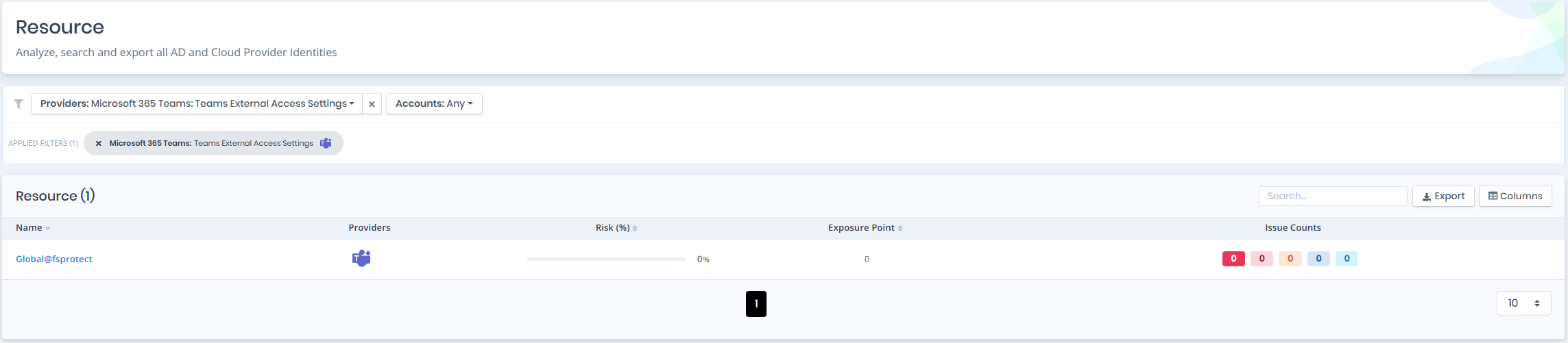
Open **Unified Identities › Resources**, filter **Providers** to **Microsoft 365 Teams › Teams External Access Settings**, then select a row to open its details.
Teams External Access Settings
## Teams External Access Details
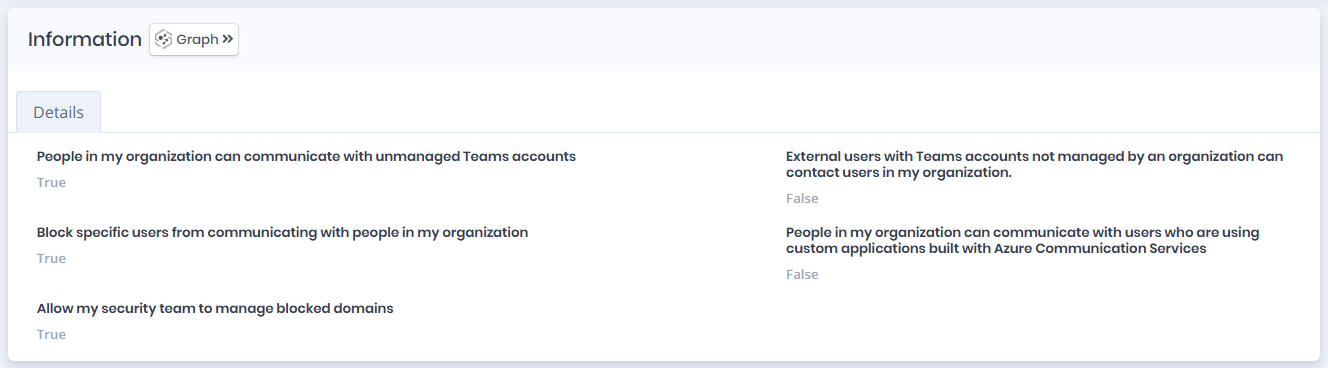
Details page contains the `Risk` of the teams external access settings, `Exposure Point`, `Information` and, when the settings have issues, `Issues` panes.
{% hint style="info" %}
You can analyze the object in the [Graph](/forestall/visualize/visualize.md) by clicking the **Graph »** button next to the `Information` title.
{% endhint %}
Teams External Access Details
### Details
Details tab contains attributes below about teams external access object.
| Attribute | Description |
| ------------------------------------------------------------------------------------------------------------------------------ | ------------------------------------------------------------------------------------------------------------------------------------------------------------------------------------------------------------------------------------------------------------------ |
| People in my organization can communicate with unmanaged Teams accounts | Allows users in the organization to chat and meet with external users who use personal (unmanaged) Microsoft accounts. |
| External users with Teams accounts not managed by an organization can contact users in my organization. | When this is on, external users with unmanaged Microsoft accounts can search for and send new chats to your users. This setting also allows people in your org to join external meetings hosted by users with unmanaged Microsoft accounts as authenticated users. |
| Block specific users from communicating with people in my organization | Allows the organization to prevent specific external users from chatting or meeting with users in the organization. |
| People in my organization can communicate with users who are using custom applications built with Azure Communication Services | Allows users in the organization to communicate with users who join through custom applications built on Azure Communication Services. |
| Allow my security team to manage blocked domains | Turning on this setting lets your security operations team edit the blocked domains and blocked users lists from Defender for Office 365. |