> For the complete documentation index, see [llms.txt](https://docs.forestall.io/forestall/llms.txt). Markdown versions of documentation pages are available by appending `.md` to page URLs; this page is available as [Markdown](https://docs.forestall.io/forestall/unified-identities/azure-identities/entra-id/roles.md).
# Roles
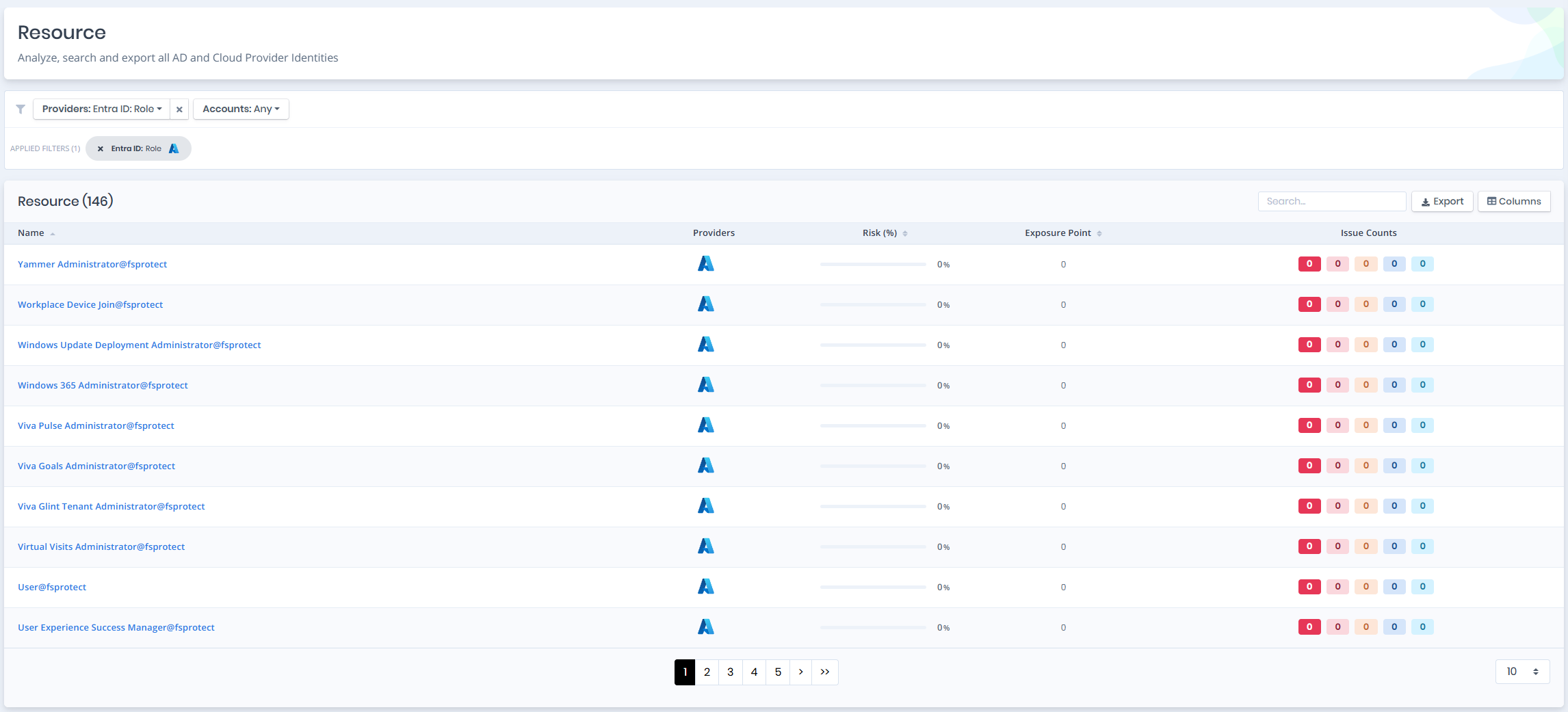
Open **Unified Identities › Resources**, filter **Providers** to **Entra ID › Role**, then select a row to open its details.
Roles
## Roles Details
Opening a role shows the `Risk` and `Exposure Point` in the header, and the page contains the `Information` pane.
{% hint style="info" %}
You can analyze the object in the [Graph](/forestall/visualize/visualize.md) by clicking the **Graph »** button next to the `Information` title. For a shadow admin the button reads **Admin Path »** and opens the shortest path to admin objects (see [Object Detail Pages](/forestall/unified-identities.md#object-detail-pages)).
{% endhint %}
Role Details
## Information
`Information Pane` can contain different badges to highlight important attributes.
| Badge | Description |
| ----------------------- | ------------------------------------------------------------------------------------- |
| **Shadow** | Indicates that the object can compromise admin objects with at least one attack path. |
| **Privileged** | Indicates that the object is Privileged. |
| **Enabled** | Indicates that the object is enabled. |
| **Disabled** | Indicates that the object is disabled. |
| **Tier 0** / **Tier 2** | Indicates the tier of the object. |
`Information Pane` contains `Details`, `Role Permissions`, `Groups`, `Service Principals`, `Devices` and `Users` tabs respectively. Each tab except `Details` carries the number of rows it holds in its label. The `Groups`, `Service Principals`, `Devices` and `Users` tabs also contain an `Assigned` column.
## Details
Details tab contains attributes below about role.
| Attribute | Description |
| -------------------- | ----------------------------------------------------------------------------------------------------------------------------------------------------------------- |
| **Name** | The unique name of the role within the tenant, used for identification and assignment. |
| **Enabled** | Indicates whether the role is currently active and available for assignments within the tenant. |
| **Display Name** | The human-readable name of the role, shown in the Azure portal when managing role assignments. |
| **Is Built In** | Specifies whether the role is a built-in system role provided by Microsoft, as opposed to a custom-defined role. |
| **Description** | A summary of the role’s purpose and permissions. |
| **Tenant** | The Entra ID tenant where this role exists and can be assigned, linking to its [Tenant](/forestall/unified-identities/azure-identities/entra-id/tenants.md) page. |
| **Role Template ID** | The unique identifier of the role definition template. For built-in roles, this is the same across all tenants. |
## Role Permissions
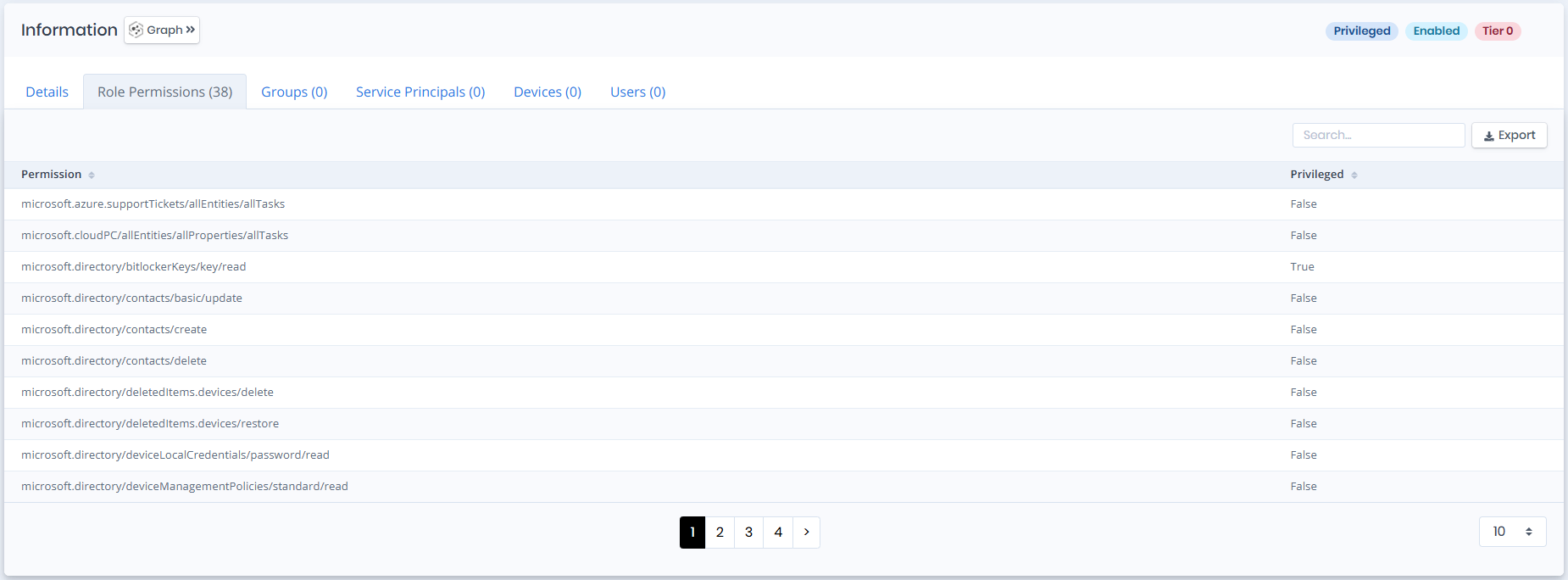
Role permissions tab contains a list of role permissions that are in the given role. This list also contains `Privileged` column to identify the privilege levels of these role permission.
Role permissions
## Groups
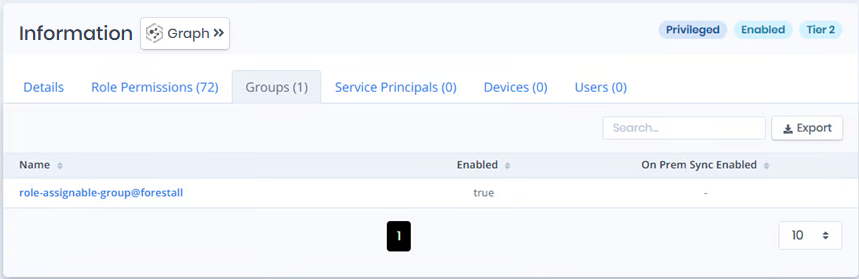
Groups tab contains a list of groups that have the role. This list also contains `Enabled` and `On Prem Sync Enabled` columns to identify the status of these groups.
Groups
## Service Principals
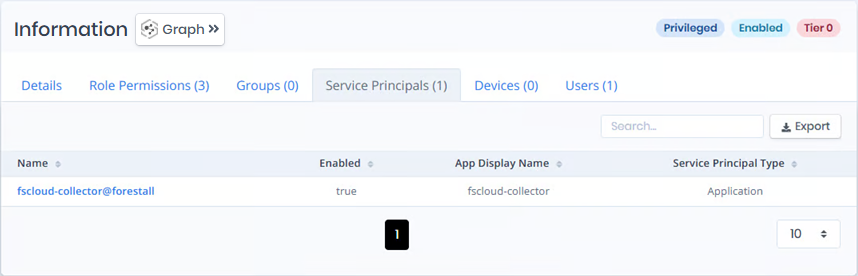
Service Principals tab contains a list of service principals that have the role. This list also contains `Enabled`, `App Display Name` , `Service Principal Type` columns to identify the status of these service principals.
Service Principals
## Devices
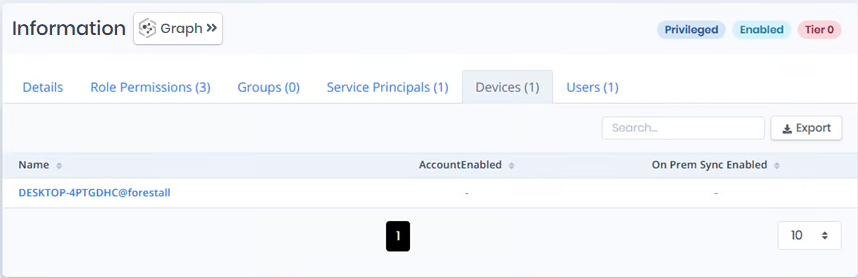
Devices tab contains a list of devices that have the role. This list also contains `Account Enabled` and `On Prem Sync Enabled` columns to identify the status of these devices.
Devices
## Users
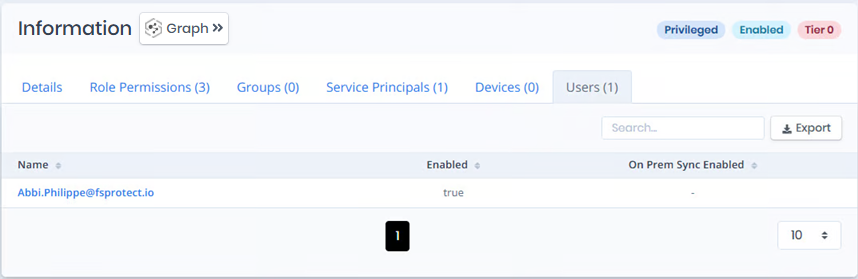
Users tab contains a list of users that have the role. This list also contains `Enabled` and `On Prem Sync Enabled` columns to identify the status of these users.