> For the complete documentation index, see [llms.txt](https://docs.forestall.io/forestall/llms.txt). Markdown versions of documentation pages are available by appending `.md` to page URLs; this page is available as [Markdown](https://docs.forestall.io/forestall/unified-identities/gcp-identities/organizations.md).
# Organizations
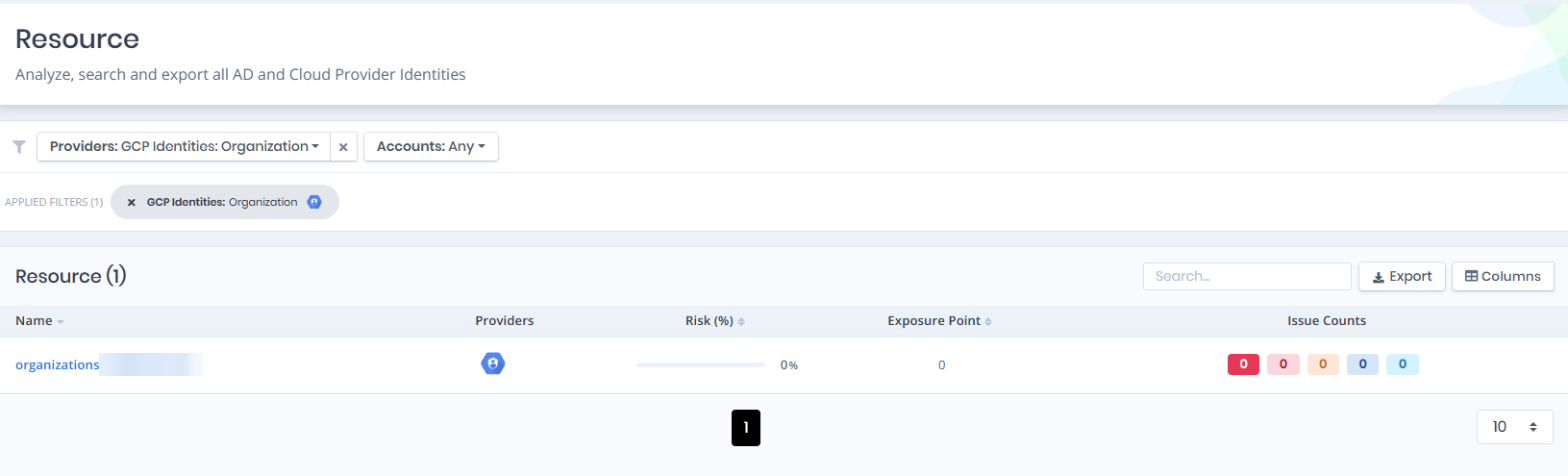
Open **Unified Identities › Resources**, filter **Providers** to **GCP Identities › Organization**, then select a row to open its details.
Organizations
## Organization Details
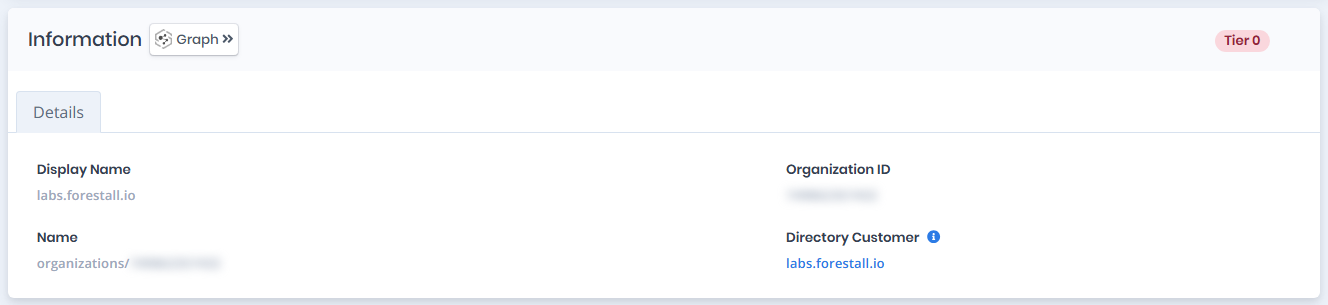
Opening an organization shows the `Risk` and `Exposure Point` in the header, the `Information` card with the `Details` tab, and an `Issues` panel when the organization has issues. When the organization has a tier, a `Tier 0` or `Tier 2` badge is shown on the right of the card title.
{% hint style="info" %}
You can analyze the object in the [Graph](/forestall/visualize/visualize.md) by clicking the **Graph »** button next to the `Information` title.
{% endhint %}
Organization Details
## Information
The Details tab contains attributes about the GCP Organization node, which represents the root of the GCP resource hierarchy.
| Attribute | Description |
| ------------------ | ---------------------------------------------------------------------------------------------------------------------------------------------- |
| Display Name | The human-readable name displayed for the GCP organization (e.g., `labs.forestall.io`). |
| Organization ID | The unique numeric identifier assigned to the GCP organization. |
| Name | The full resource name of the organization (e.g., `organizations/741817457432`). |
| Directory Customer | The Google Workspace customer of the organization; links to the [customer](/forestall/unified-identities/gcp-identities/customers.md) details. |