> For the complete documentation index, see [llms.txt](https://docs.forestall.io/forestall/llms.txt). Markdown versions of documentation pages are available by appending `.md` to page URLs; this page is available as [Markdown](https://docs.forestall.io/forestall/unified-identities/gcp-identities/vms.md).
# VMs
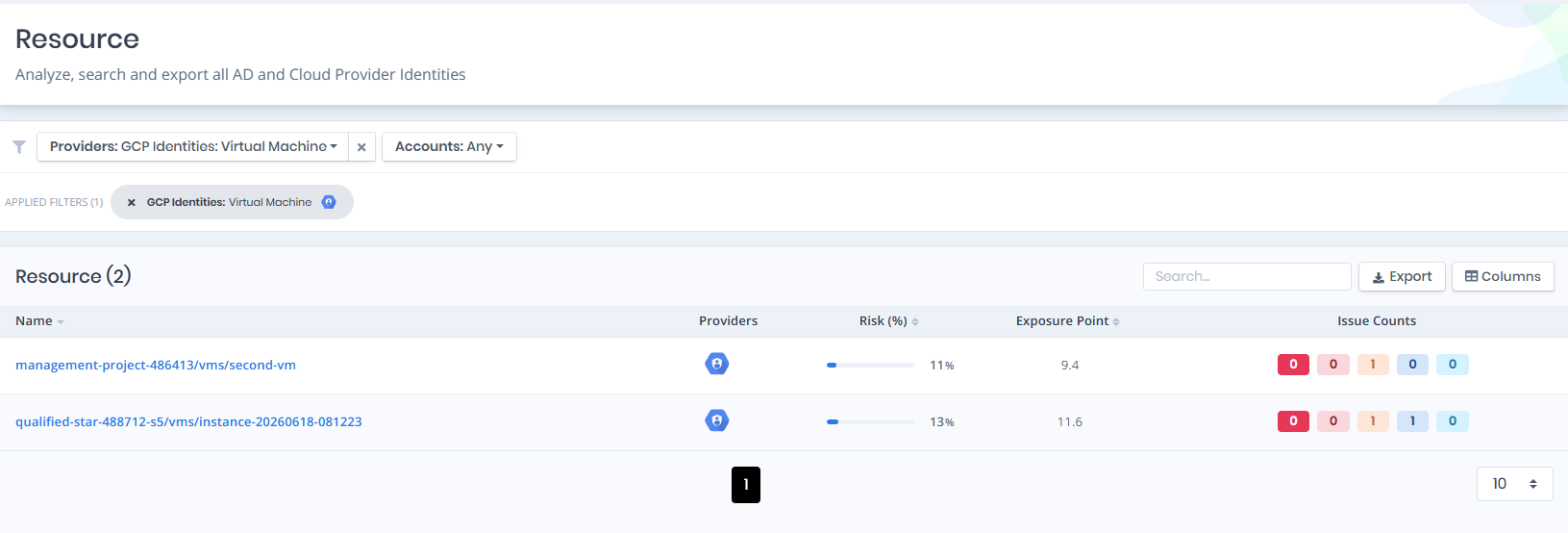
Open **Unified Identities › Resources**, filter **Providers** to **GCP Identities › Virtual Machine**, then select a row to open its details.
VMs
### Virtual Machines Details
Opening a VM shows the **`Details`** and **`Security`** tabs. The card title can carry a `Tier 0`/`Tier 2` badge, a `Public IP` badge and a `Running` badge.
{% hint style="info" %}
You can analyze the object in the [Graph](/forestall/visualize/visualize.md) by clicking the **Graph »** button next to the `Information` title.
{% endhint %}
GCP VM Details
The Details tab contains attributes about the GCP Virtual Machine. The page also includes an **Issues** panel that lists any security findings related to the VM, along with a Risk score and Exposure Point.
### Information
| Attribute | Description |
| ------------------ | --------------------------------------------------------------------------------------------------------------------------------------------- |
| Name | The internal name of the VM instance. |
| Instance ID | The unique numeric identifier of the VM instance. |
| Display Name | The human-readable name of the VM. |
| Status | The current power/lifecycle status of the VM (e.g., `TERMINATED`). |
| Machine Type | The machine type/size of the VM (e.g., `e2-micro`). |
| Zone | The GCP zone the VM is deployed in (e.g., `europe-north2-a`). |
| Full Resource Name | The fully-qualified resource name, including the API service (e.g., `//compute.googleapis.com/...`). |
| Update Time | The timestamp of the last update to the VM. |
| Description | A free-text description of the VM, if configured. |
| Service Account | The service account the VM runs as; links to the [service account](/forestall/unified-identities/gcp-identities/service-accounts.md) details. |
| Parent Project | A link to the parent project the VM belongs to. |
### **Security**
Displays the security configuration of the VM: `Has Public IP`, `Uses Default Service Account`, `Serial Port Enabled`, `OS Login Enabled`, `IP Forwarding Enabled` and `Deletion Protection`.
### **Issues**
Lists security findings associated with the VM (e.g., *OS Login Not Enabled for VM*, *VM Uses Default Service Account*, *Block Project-Wide SSH Keys Not Enabled for VM*), each tagged with relevant categories such as Privilege Escalation, Credential Security, or Least Privilege, and a severity rating (e.g., High, Medium).