> For the complete documentation index, see [llms.txt](https://docs.forestall.io/fsprotect/llms.txt). Markdown versions of documentation pages are available by appending `.md` to page URLs; this page is available as [Markdown](https://docs.forestall.io/fsprotect/edges.md).
# Edges
## Summary definitions
### FSProtect ACL Alias
A standard naming system for directory permissions in FSProtect.
**Example:** An "GPOWrite" permission is called "GpoEdit" in Windows.
### AD Alias
The official names for rights and features in Microsoft's directory service. Which may differ from the command-line names.
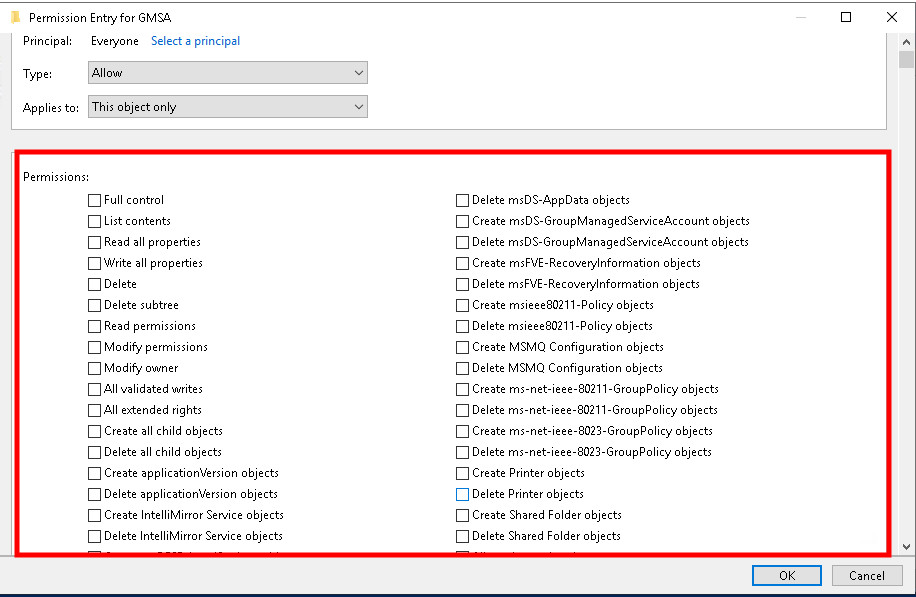
**Example:** When setting permissions on a folder, administrators see a checkbox labeled "Modify" in the security dialog box. This user-friendly name is the Active Directory Alias, representing a specific set of underlying technical permissions.
### AD Right
Represents specific operations that can be performed on directory objects, such as creating, modifying, or deleting items. Can be seen in powershell. May differ from Active Directory Alias. Can be found in Microsoft documentation. (i.e. [Extended Rights](https://learn.microsoft.com/en-us/windows/win32/adschema/extended-rights))
**Example:** The "Create Child" right allows an administrator to create new user accounts within an organizational unit.
### AD Permission GUID
A unique identifier code for specific rights in Active Directory, working independently of text names to ensure consistent identification.
**Example:** The right to reset passwords might have the GUID "00299570-246d-11d0-a768-00aa006e0529" that remains consistent even if the displayed name changes.
### AD Attribute
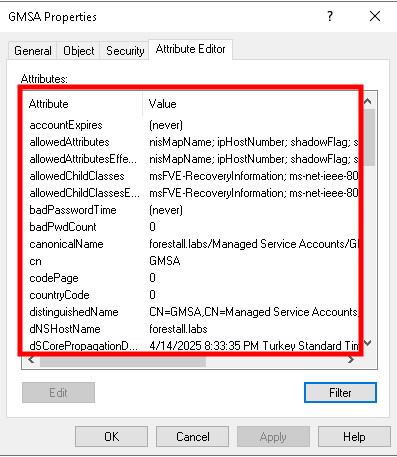
Specific properties stored for directory objects such as users or groups.
**Example:** "telephoneNumber" is an attribute that stores a user's phone number in their Active Directory profile.
### AD Attribute GUID
A behind-the-scenes code that the system uses to identify specific data fields when performing operations. This code works in the background while users see friendly names on the interface. Can be found in Microsoft documentation. (i.e. [Telephone-Number](https://learn.microsoft.com/en-us/windows/win32/adschema/a-telephonenumber))
**Example:** The "Telephone-Number" attribute GUID is " bf967a49-0de6-11d0-a285-00aa003049e2"
### AD Class
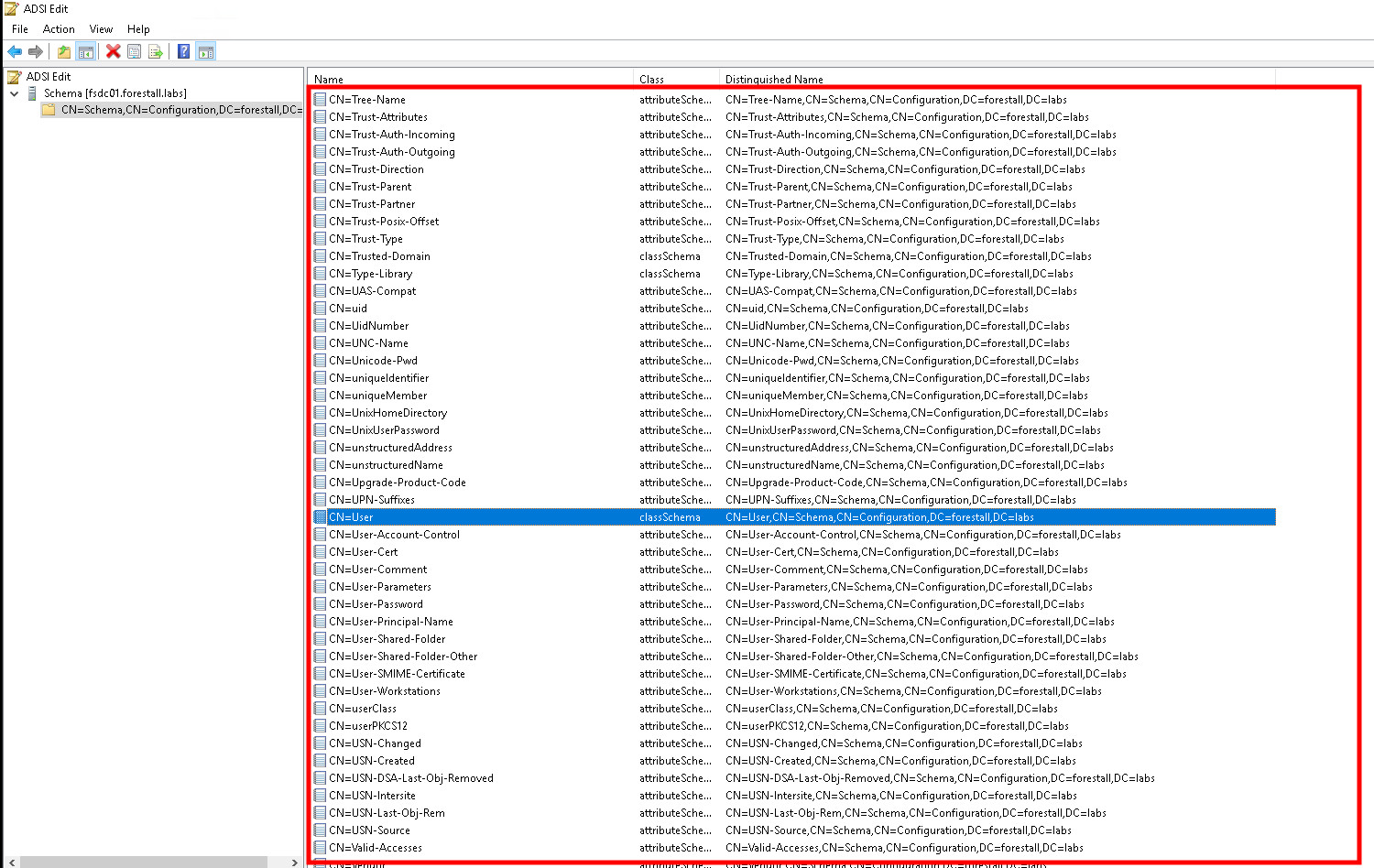
The category or type definition of objects in directory systems, determining their structure and properties.
**Example:** "User" is a class that defines what attributes and behaviors are associated with user accounts.
### AD Class GUID
A globally unique identifier for object types in directory schemas, ensuring precise identification regardless of naming. Can be found in Microsoft documentation. (i.e. [Computer](https://learn.microsoft.com/en-us/windows/win32/adschema/c-computer))
**Example:** The "Computer" class might have the GUID "bf967a86-0de6-11d0-a285-00aa003049e2" that uniquely identifies it in the system.
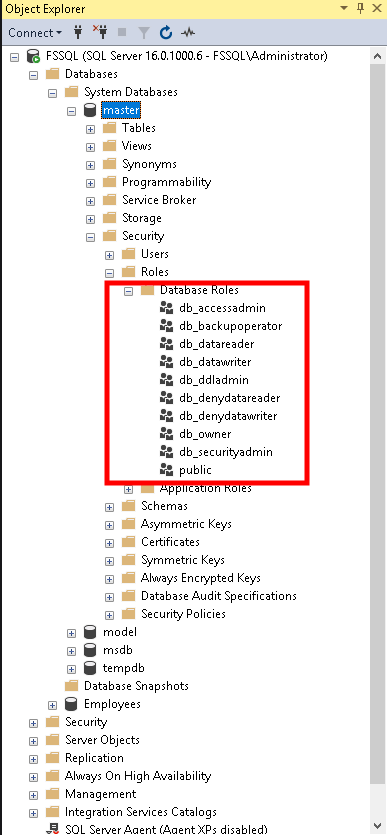
### SQL Role
A security structure in database systems that groups related permissions which can be assigned to users.
**Example:** A "DataAnalyst" role might include permissions to read from multiple database tables but not modify them, allowing administrators to assign these permissions to users with a single role assignment.
### Certainty
A tag that shows how likely a permission can be exploited. It tells administrators if a security risk is "definitely exploitable," "not exploitable," or "possibly exploitable."
**Example:** When "CreateUser" permission is marked as "Certainty: Likely," it means this function will definitely be exploited by attackers if left unprotected. If marked "Certainty: Unlikely," the risk of exploitation is minimal.