> For the complete documentation index, see [llms.txt](https://docs.forestall.io/fsprotect/llms.txt). Markdown versions of documentation pages are available by appending `.md` to page URLs; this page is available as [Markdown](https://docs.forestall.io/fsprotect/configuration-center/ldap.md).
# LDAP
You can integrate `Forestall ISPM` with your `Active Directory` or other `LDAP` server to make the authentication process easier.
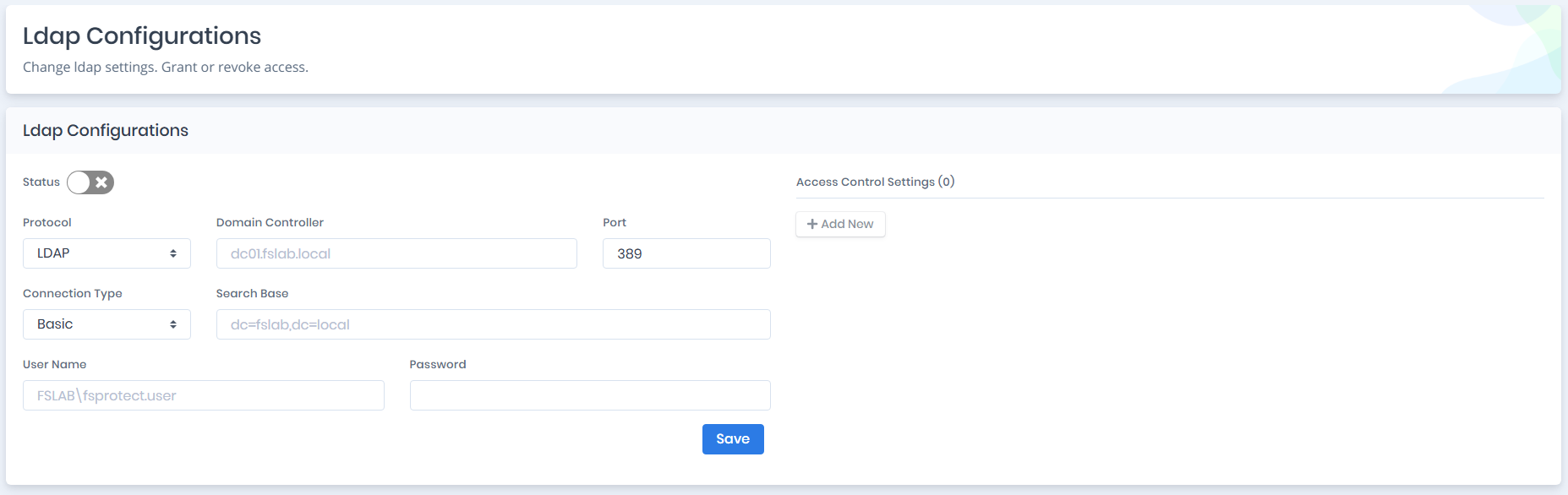
The `LDAP Authentication Configuration` consists of two configuration requirements ;
* **LDAP Connection Configuration**
* **Access Control Settings**
LDAP Authentication Settings
## **Configuring the LDAP Connection**
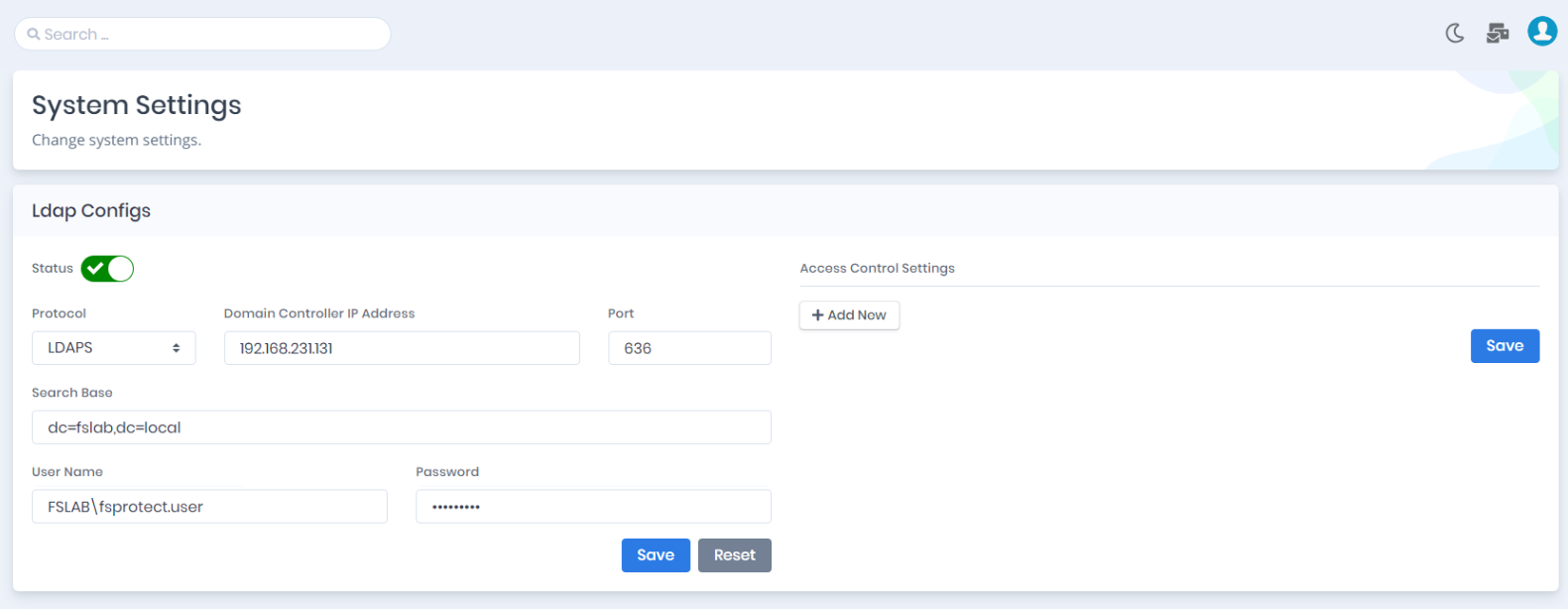
You need to configure an LDAP connection with the parameters below.
**Status:** Status of the LDAP connection setting.
**Protocol:** LDAP protocol type, `LDAP` or `LDAPS`.
**Domain Controller IP Address:** IP Address of Domain Controller or LDAP server.
**Port:** Port number of the LDAP protocol, `389` or `636` by default.
**Search Base:** Distinguished name of the base container object, `Domain`, `Organizational Unit` or `Container`.
**User Name:** Netbios formatted Username field to test LDAP connection.
**Password:** Password field to test LDAP connection.
Configuring the LDAP Connection
## **Configuring Access Control Settings**
After successfully establishing the LDAP connection, you should define the `Users` and `Groups` that can log in to Forestall with LDAP.
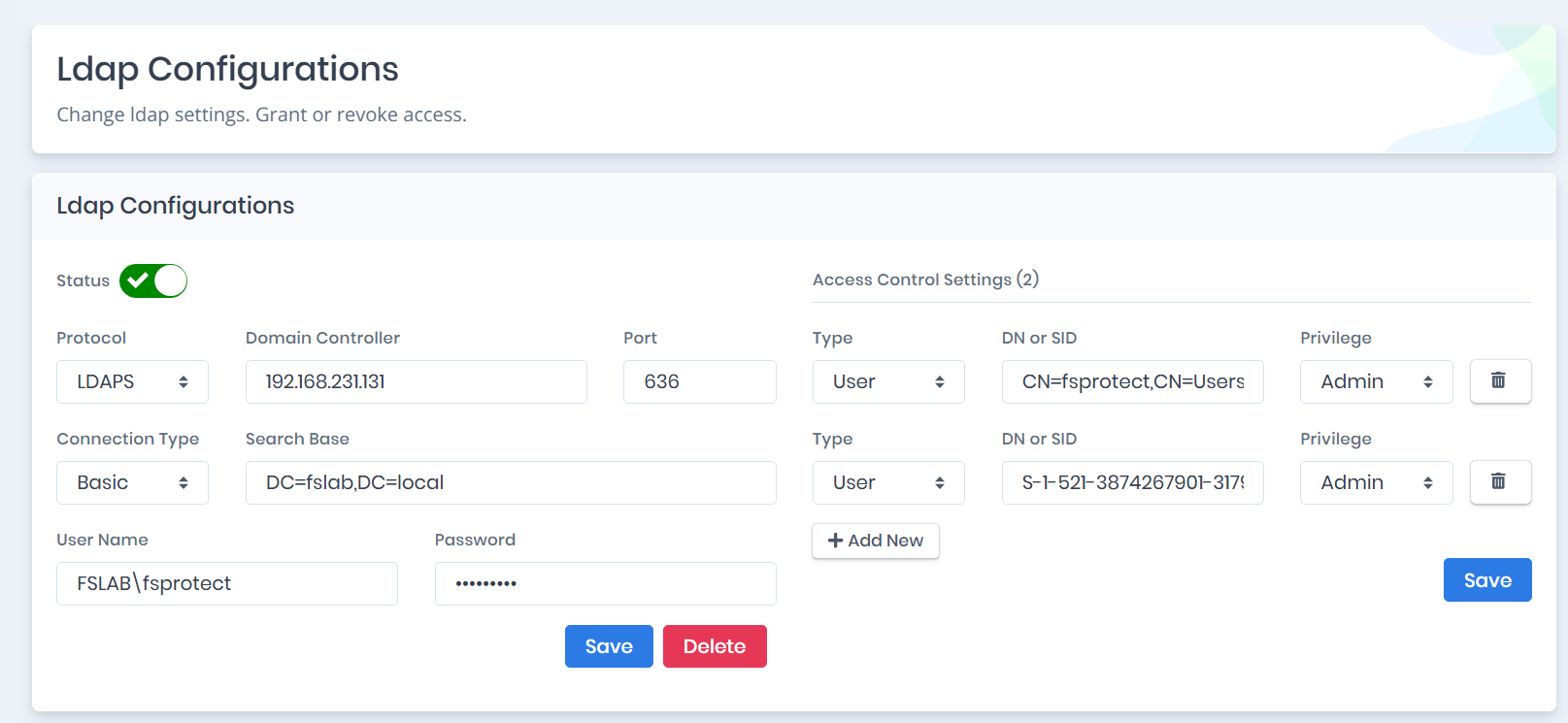
You can create Access Control entries with the parameters below.
**Account Type:** Type of account can log in to Forestall, `User` or `Group`. If the Group option is selected, recursive members of this group can log in to Forestall.
**Distinguished Name:** Distinguished Name of the account.
**Security Identifier:** Security Identifier (SID / objectSid) of the account.
**Privilege:** Privilege level of the account, `User (Read-Only)` or `Admin`.
Configuring the Access Control Settings
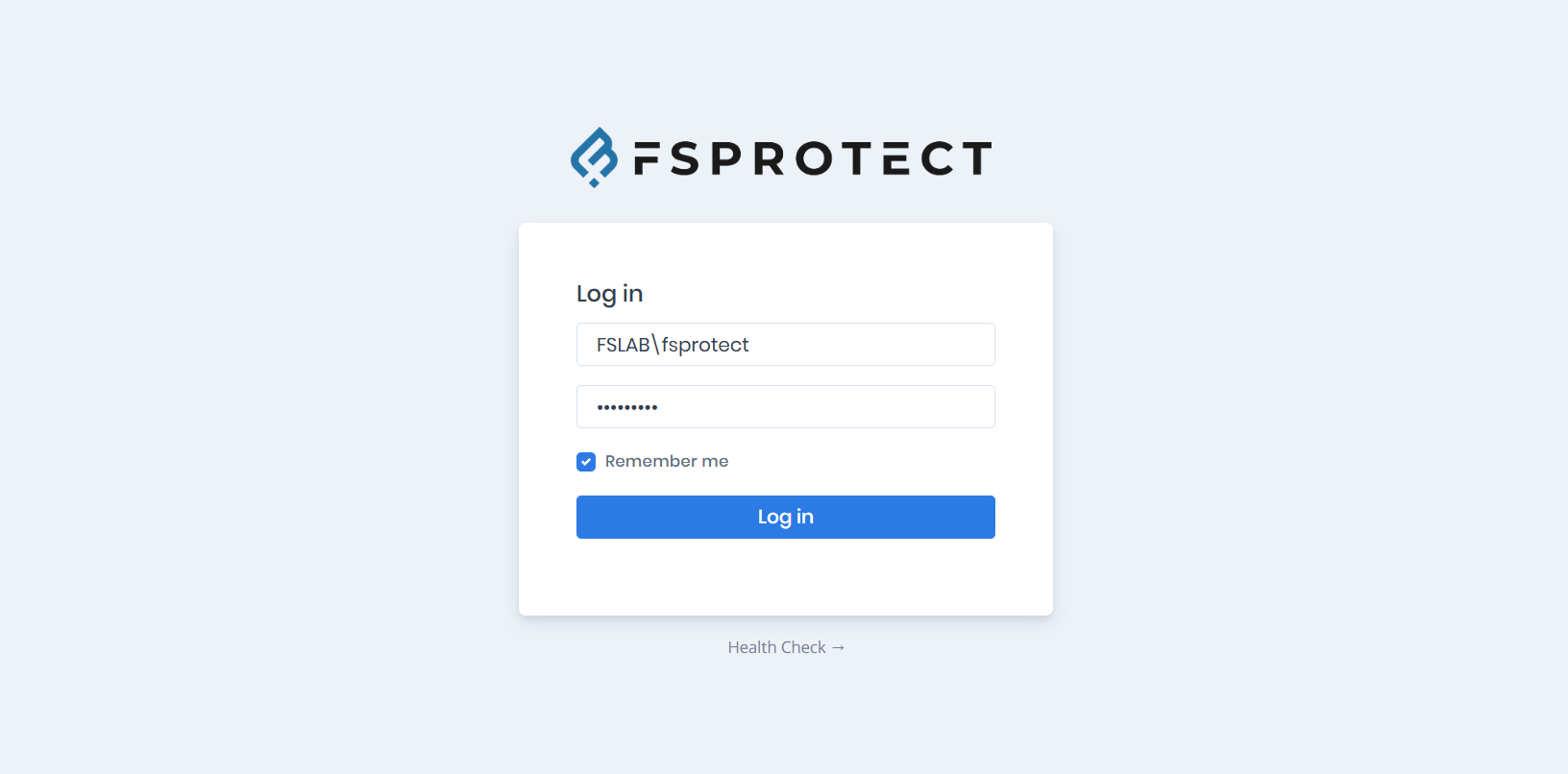
After these configurations, you can log in to Forestall with Netbios formatted username and password.