> For the complete documentation index, see [llms.txt](https://docs.forestall.io/forestall/llms.txt). Markdown versions of documentation pages are available by appending `.md` to page URLs; this page is available as [Markdown](https://docs.forestall.io/forestall/unified-identities/aws-identities/sso-users.md).
# SSO Users
Open **Unified Identities › Human Identities**, filter **Providers** to **AWS › SSO User**, then select a row to open its details. SSO users are the workforce identities of AWS IAM Identity Center (formerly AWS SSO).
SSO Users
## SSO User Details
Details page contains the `Risk` and `Exposure Point` of the user, and the Information and Issues panes.
{% hint style="info" %}
An SSO user is not an IAM user. It has no access keys and no IAM policies of its own. Its access comes entirely from the permission sets assigned to it and to its groups.
{% endhint %}
SSO User Details
## Information
Information Pane contains Details, Groups, Permission Sets and AWS accounts tabs. The Information Pane shows no badges for SSO users.
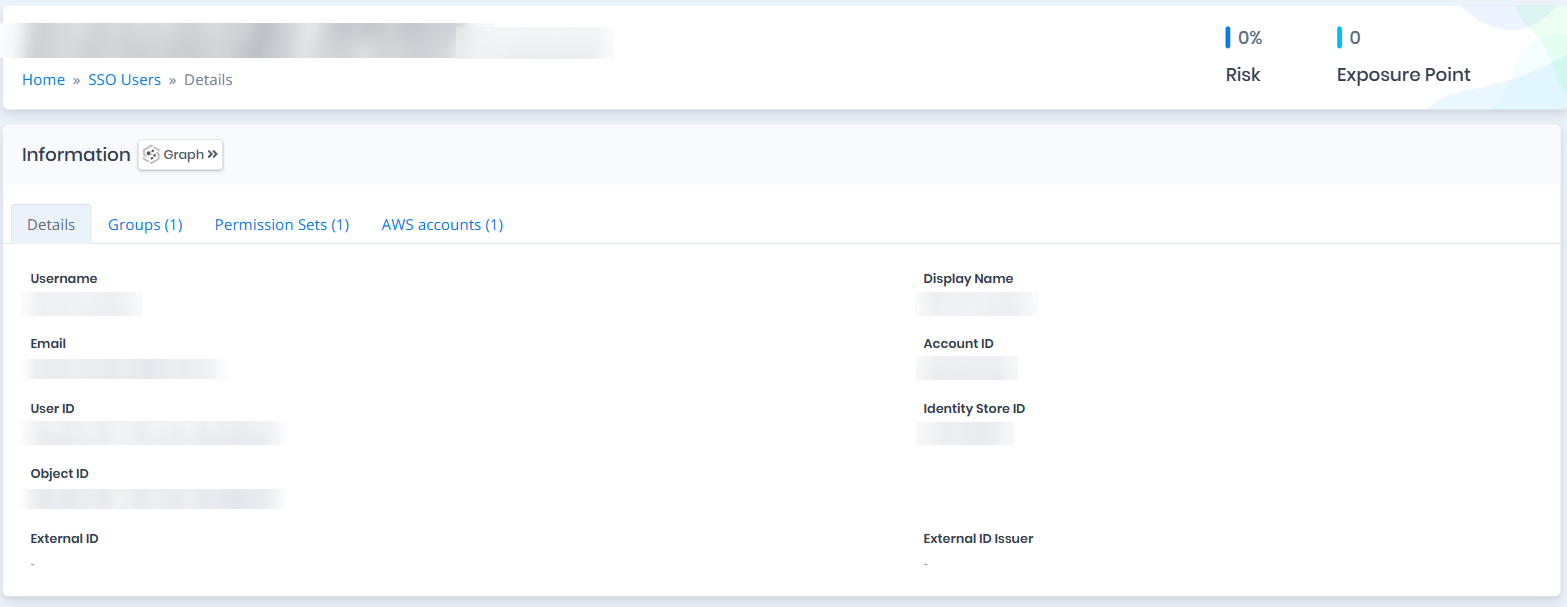
## Details
Details tab contains attributes below about the SSO user object.
| Attribute | Description |
| ------------------ | ----------------------------------------------------------------------------------------------------------------------------------------------------------------------------- |
| Username | The user's Identity Center sign-in name. |
| Display Name | The user's full display name. |
| Email | The primary email address on the Identity Store profile. |
| Account ID | The account that hosts the Identity Center instance (management or delegated admin). |
| User ID | The Identity Store user identifier. |
| Identity Store ID | The identity store the user belongs to (e.g., `d-1234567890`). |
| Object ID | The unique identifier of the user object. |
| External ID | The identifier the upstream identity provider assigned to this user, carried over by SCIM provisioning. Empty when the identity store is managed directly in Identity Center. |
| External ID Issuer | The identity store that issued the External ID, as an ARN. |
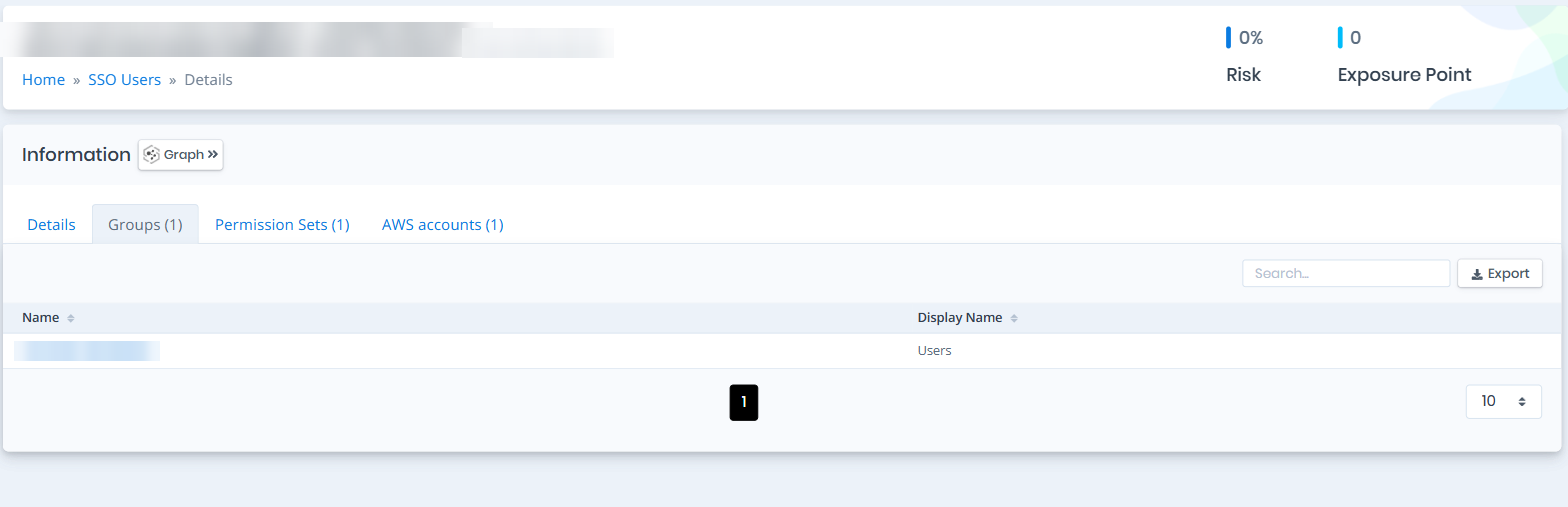
## Groups
Groups tab contains a list of Identity Center groups the user is a member of. Membership matters because a group can carry permission set assignments of its own, and the user inherits every one of them. The list contains the Name and Display Name columns.
Groups
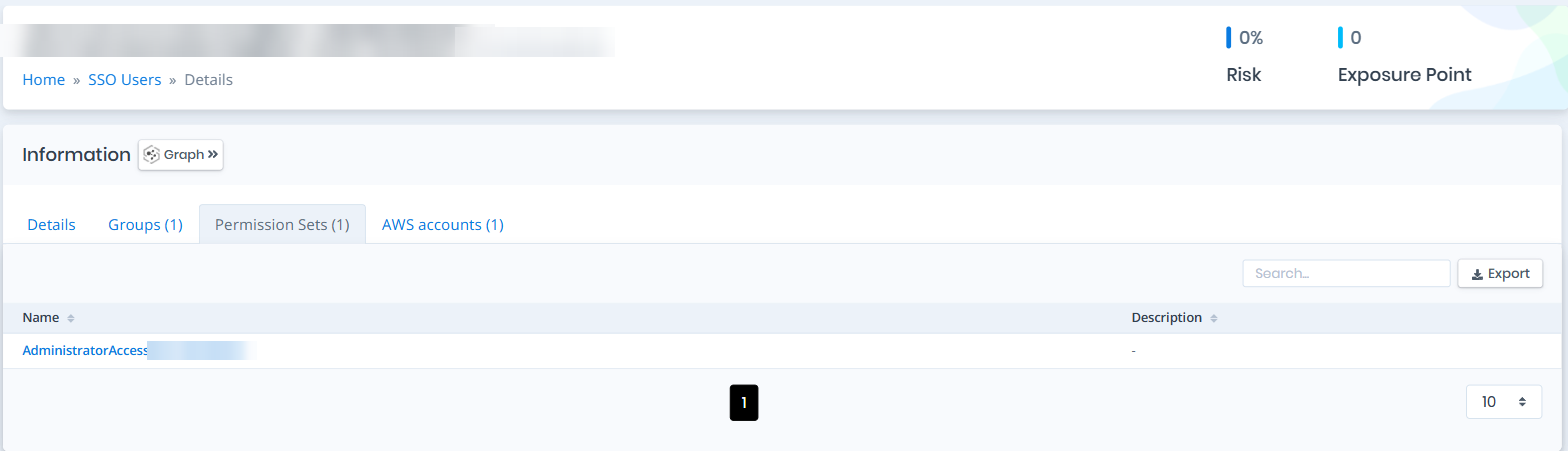
## Permission Sets
Permission Sets tab contains a list of permission sets assigned to the user, directly or through a group. A permission set defines the IAM policies that become an assumable role in each account it is provisioned to. The list contains the Name and Description columns.
Permission Sets
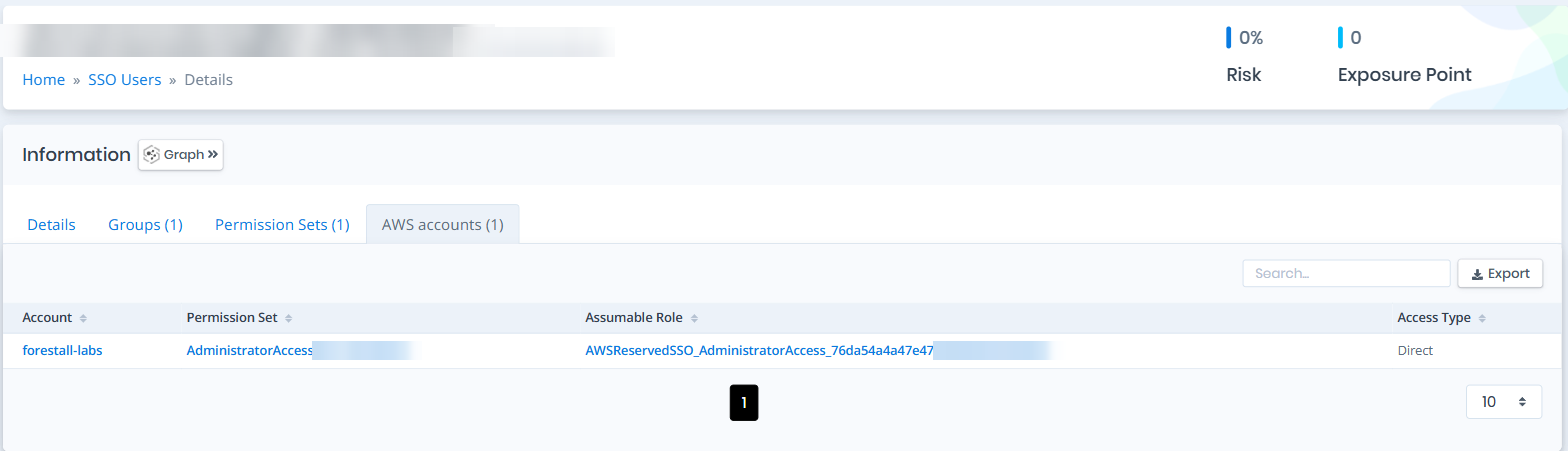
## AWS accounts
AWS accounts tab spells out the user's real reach. Each row is one account the user can sign in to, the permission set that grants the access, the IAM role that permission set becomes in that account, and how the access was granted.
| Column | Description |
| -------------- | ------------------------------------------------------------------------------------------------------- |
| Account | The account the user can access. |
| Permission Set | The permission set that grants the access in that account. |
| Assumable Role | The IAM role the permission set provisions in the account. |
| Access Type | `Direct` when the permission set is assigned to the user, or `Via ` when inherited from a group. |
{% hint style="info" %}
Access Type tells you why a user reaches an account. `Direct` is a user-level assignment; `Via ` means removing the user from that group revokes the access.
{% endhint %}
AWS accounts
## Issues
Issues pane contains identified security issues on the SSO user object.